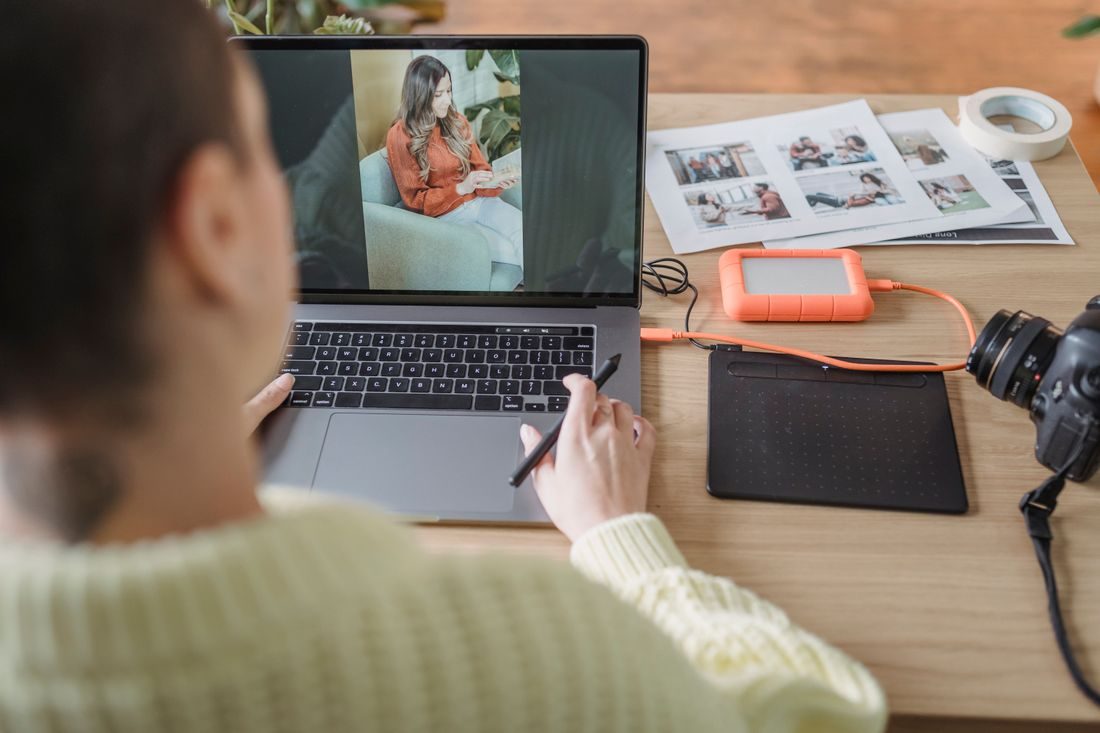
An editing project can begin with files scattered across a camera card, a phone and a downloads folder. Before changing anything, collect the source media and make a separate copy. The aim is to preserve a dependable starting point if a file is overwritten, a device fails or a working folder is accidentally removed.
Collect the material without clearing its source
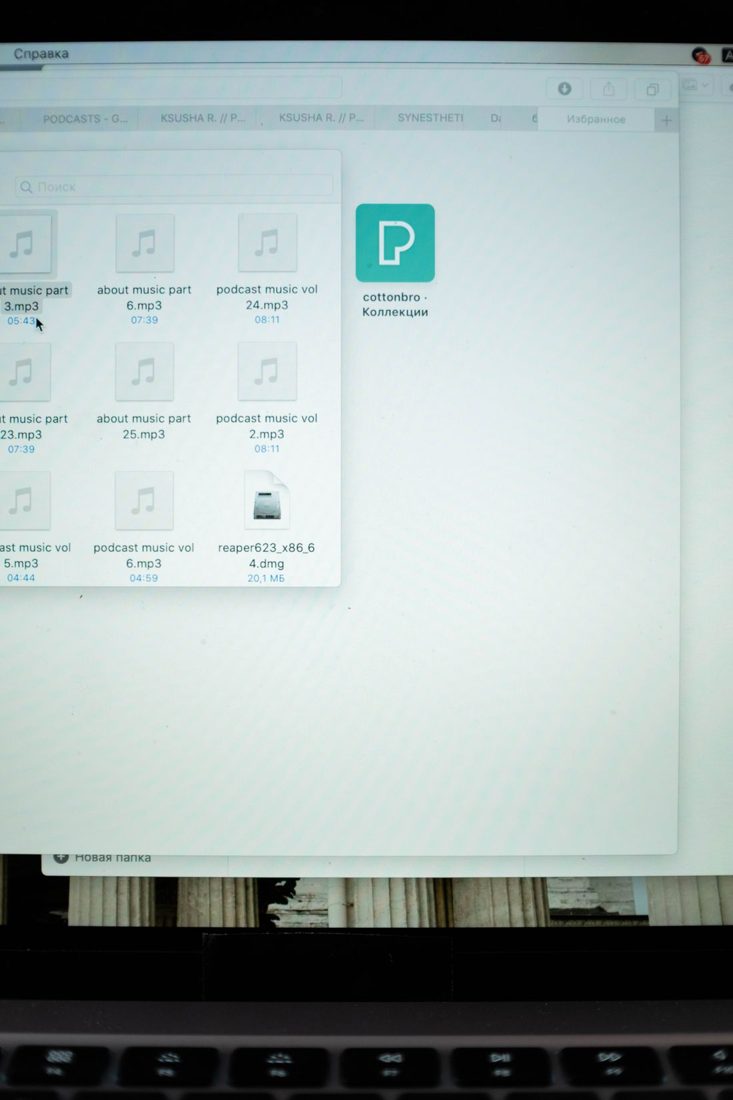
Create a clearly named project folder and copy the media into a source area. Keep separate subfolders for different cards or devices when they contain overlapping filenames. Copying first preserves the original location while you check what arrived.
Do not erase the card or delete phone files just because the transfer window has closed. Check the copied material first, including clips from near the beginning and end of the session. A folder containing some playable files does not prove every expected file was transferred.
Make a copy with a separate failure point
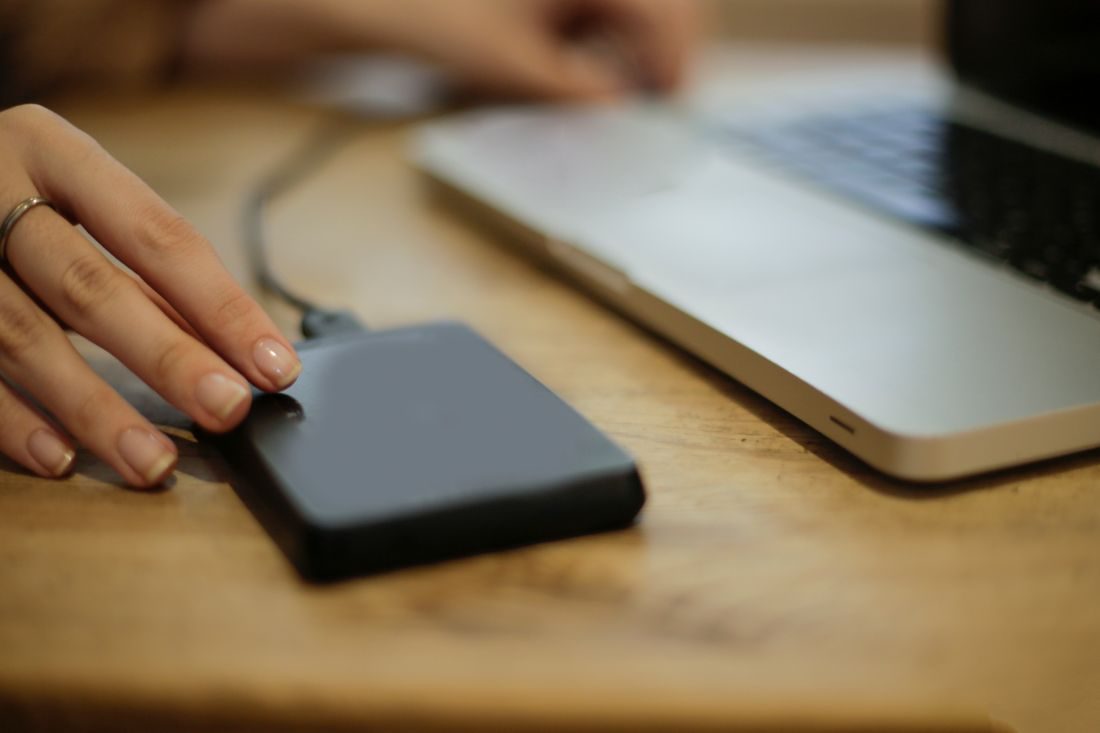
Copy the collected sources to another storage location, such as a separate drive. A second folder on the same drive can help with organisation but still depends on that drive remaining available.
Choose a location you can identify and revisit. Record where the copy lives and which project it contains. If using a remote backup service, check whether the transfer has completed rather than assuming an upload queue is already a protected copy. Keep access details private and recoverable.
Check the copy before relying on it
Compare the expected folders, file counts and total sizes. Open representative photographs and play representative audio and video from the backup itself. Pay attention to unusually small files and any transfer errors.
For work where stronger verification matters, a trusted tool can compare file checksums between the source and copy. Keep the result with your transfer notes. Whatever method you use, verify the actual second location; opening the working folder again does not test the backup.
Include the editing work as it changes
The source media is only part of the project. Save the editing document, scripts, captions and other work that would be difficult to recreate. Use dated or numbered project saves at meaningful stages so an earlier revision can be recovered.
Decide when to update the backup, such as after a recording session or a substantial editing round. Learn whether the system retains older versions or simply mirrors deletions. A synchronised folder can be useful, but its behaviour determines whether an accidental removal is also copied elsewhere.
Start editing after you can identify and check a separate copy of the material. Keep the originals until that check is complete, then continue protecting the decisions and files created during the edit. A backup is useful only if you can locate and restore it.