Video
Plan a one-minute video around one clear point
Choose a small promise, show the evidence that supports it and remove competing ideas before a short video becomes a rushed version of a longer one.
Better shots, clearer sequences and considered edits.
Choose a small promise, show the evidence that supports it and remove competing ideas before a short video becomes a rushed version of a longer one.
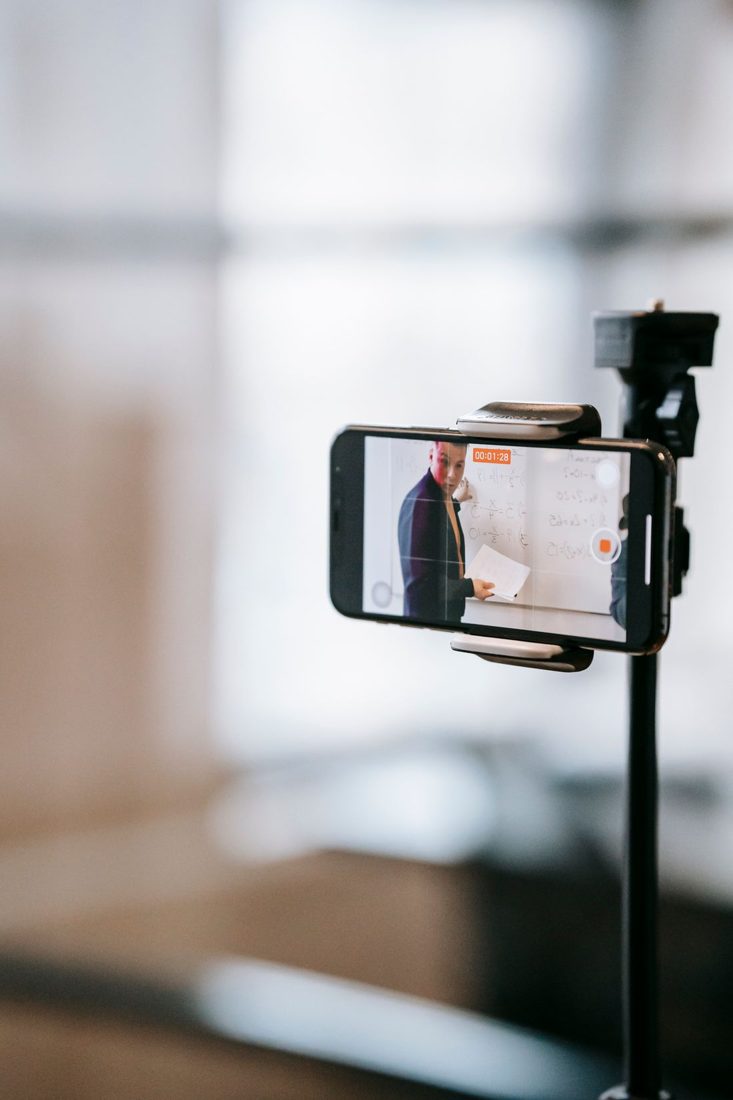
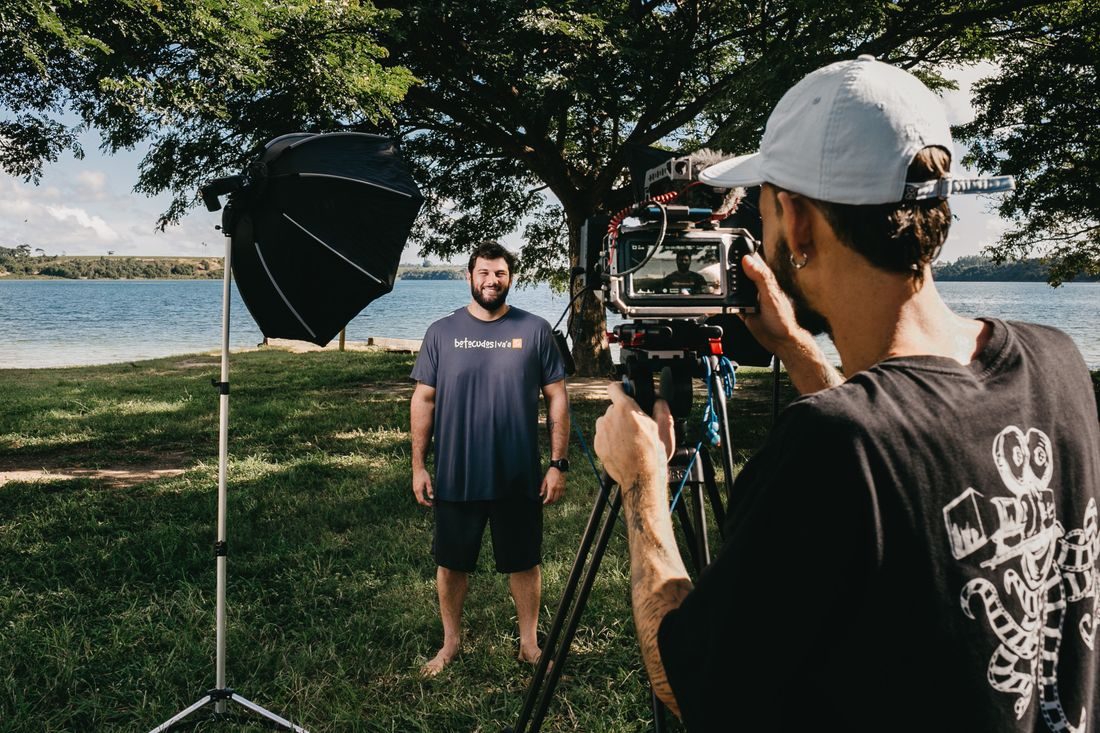
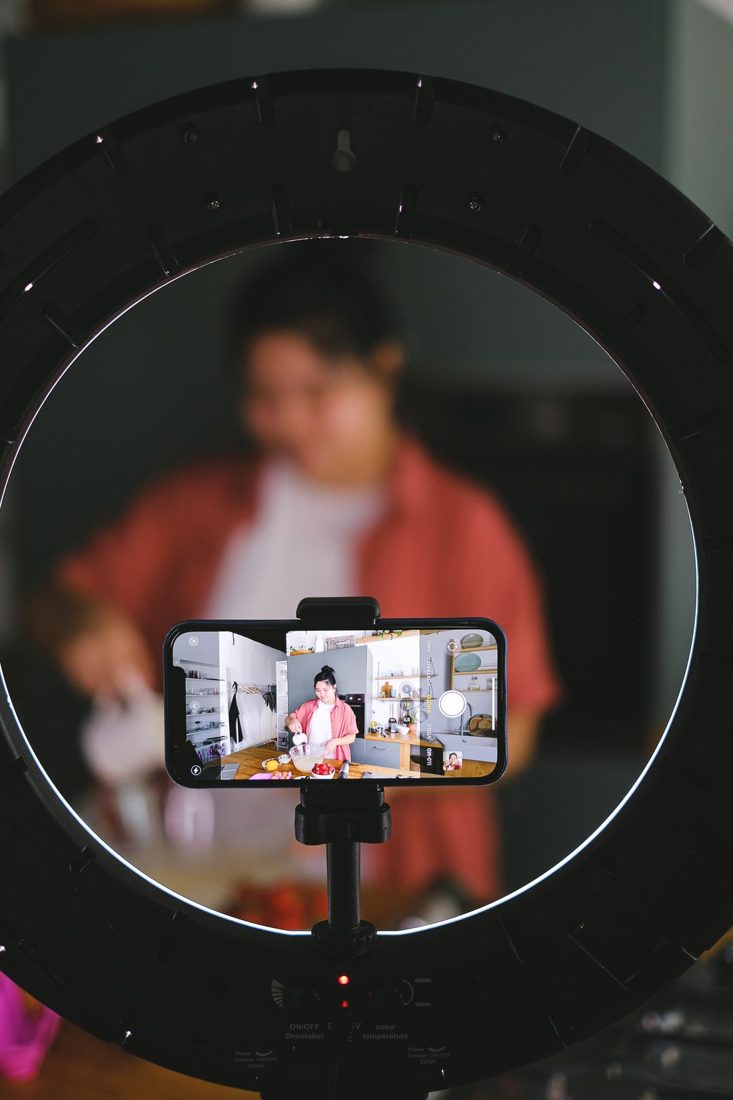
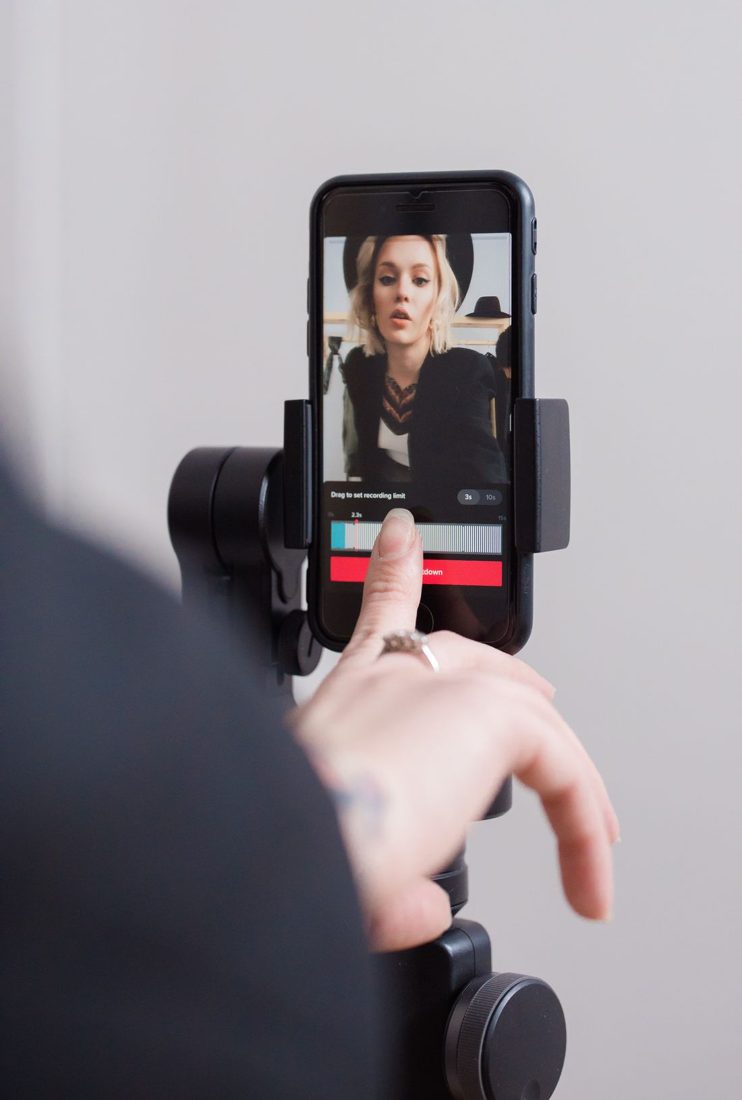
Arrange the phone, light and speaking position so a simple direct-to-camera recording remains clear, comfortable and easy to repeat when a sentence needs another take.
Reduce unnecessary movement with a balanced stance, shorter shots and deliberate camera moves, while recognising the point where a support is the more useful choice.
Use eye height as a starting point, then adjust the camera and eyeline together so an interview feels comfortable and the speaker remains naturally framed.
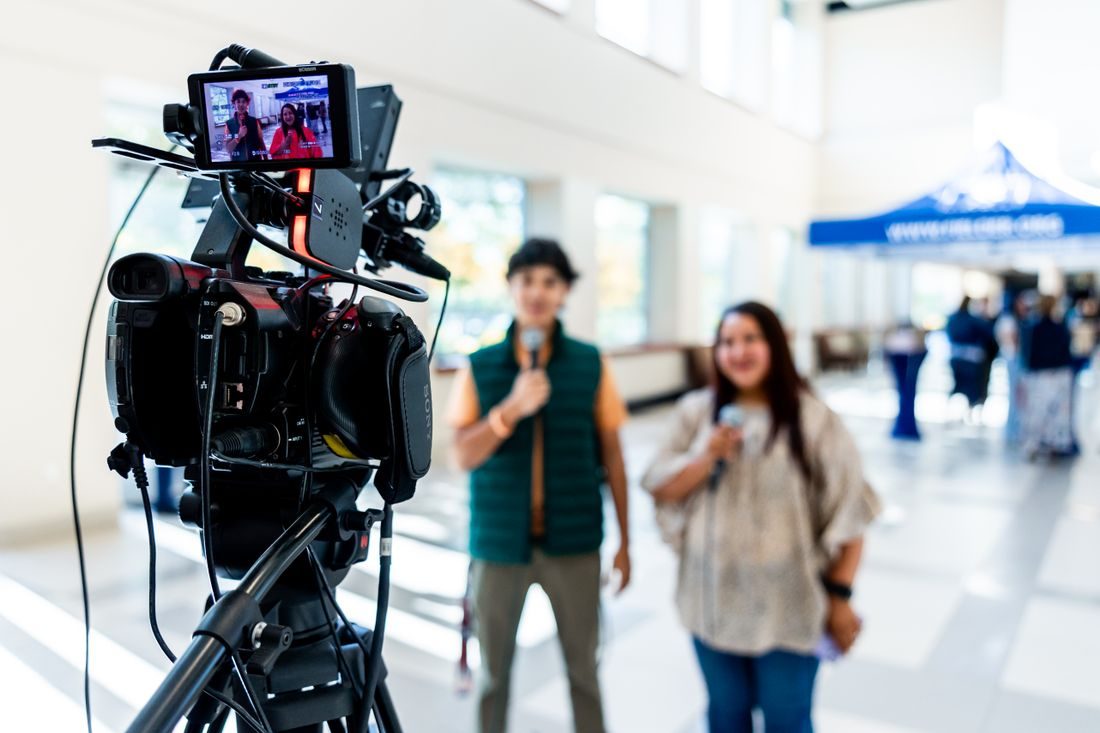
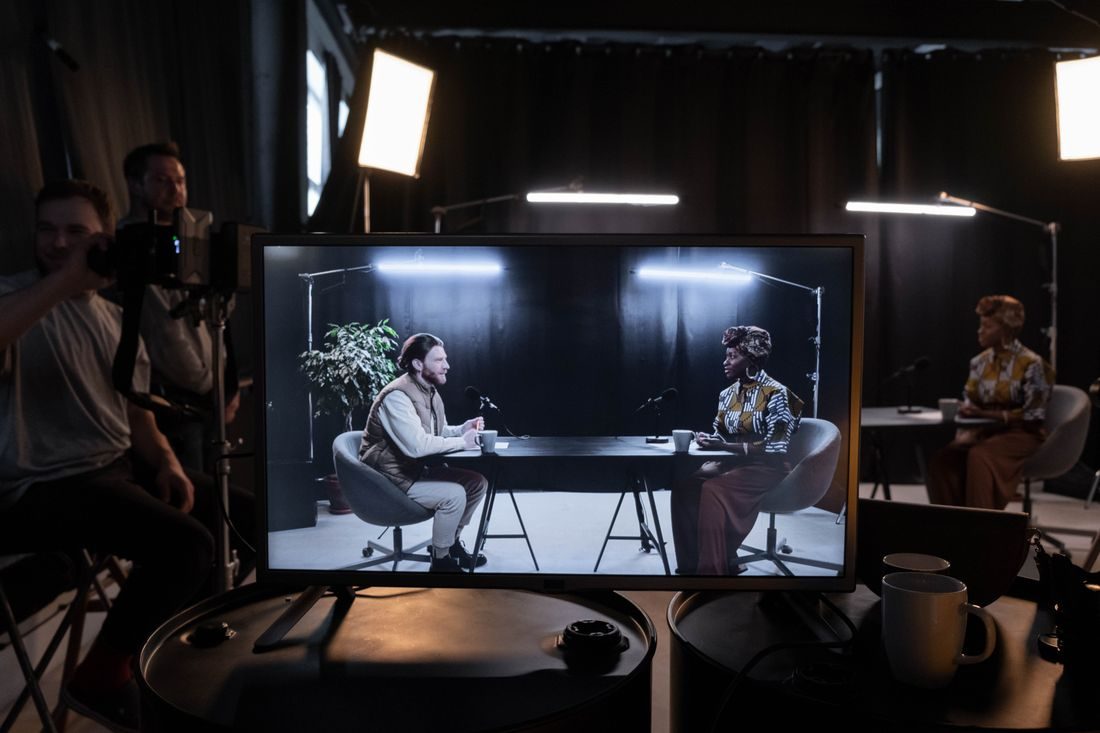
Choose a readable shared frame, plan sound for both speakers and collect honest cutaways so a single-camera conversation remains coherent in the edit.
Cover a small action with a wide view, useful details and a clear finish so your extra footage can become a sequence rather than a collection of unrelated clips.
Start with the delivery requirements, separate normal-speed footage from slow motion and test your choice before committing an entire shoot.
Identify the problem light, test a compatible shutter setting and review the recording before you spend a session filming visible bands or pulsing brightness.
Make the movement predictable, give the camera a clear subject and review a real take at full size before assuming autofocus has followed correctly.
Arrange the camera, ingredients and working hands so viewers can see the decisive cooking steps while the setup remains practical to use.
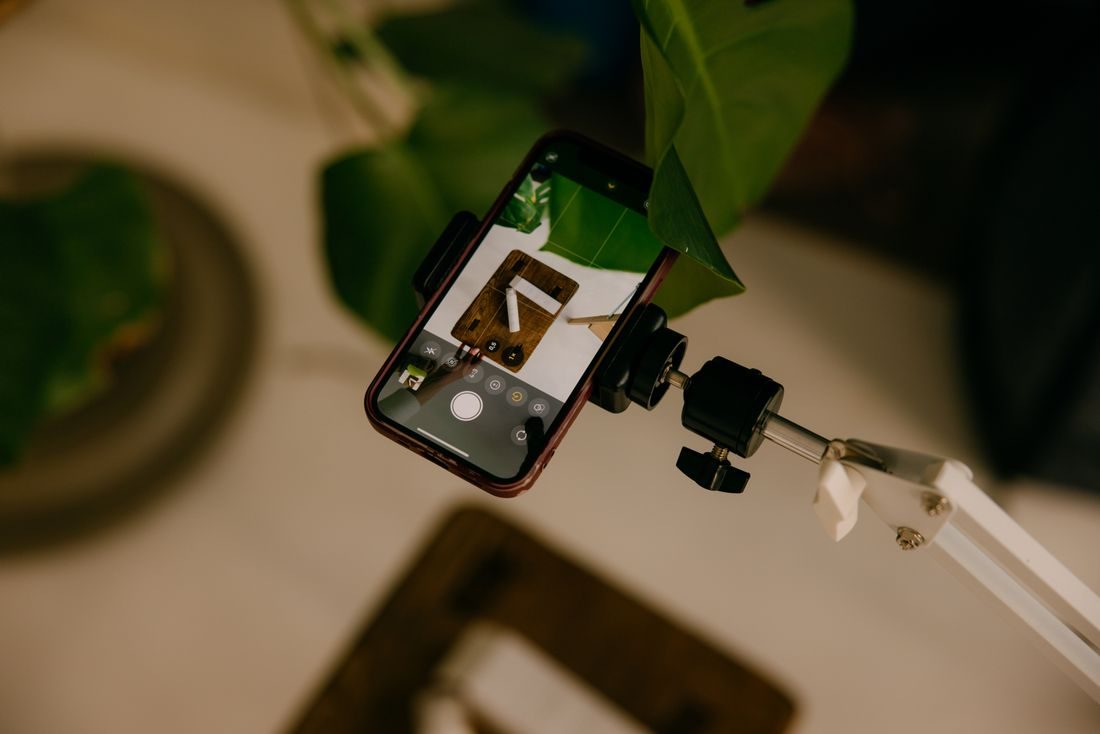
Plan the overhead frame around the work area, use a mount intended for the position and test stability before placing tools or valuable objects underneath.
Plan caption space with the presenter and demonstration in view, then test the actual layout so text and platform controls do not cover essential information.
Preserve screen direction, matching action and useful differences in framing so two views feel like parts of the same moment rather than unrelated recordings.
Shape a conversation around meaning and pace while retaining the small breaths, reactions and thinking time that make the speakers sound like people.
Cover a necessary visual jump with a relevant additional view while preserving the spoken meaning, timing and factual relationship of the underlying scene.
Use cuts, fades and dissolves for a clear editorial reason, then check whether the transition explains a change or merely calls attention to the software.
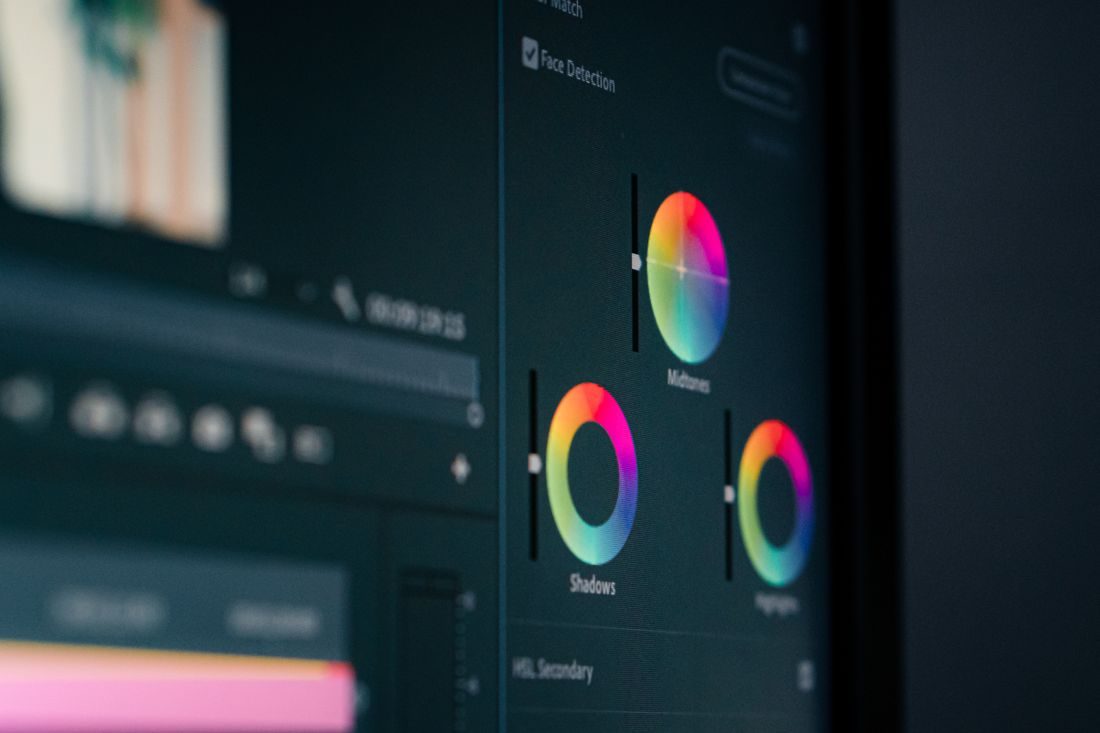
Compare adjacent clips with a useful reference, correct basic brightness and colour differences first and preserve genuine changes in the lighting and location.
Slow an action when viewers need to inspect it, prepare suitable footage before recording and keep real-time context so the movement remains understandable.
Record only the interface area needed for the task, enlarge relevant information before capture and test the finished video on an actual small display.
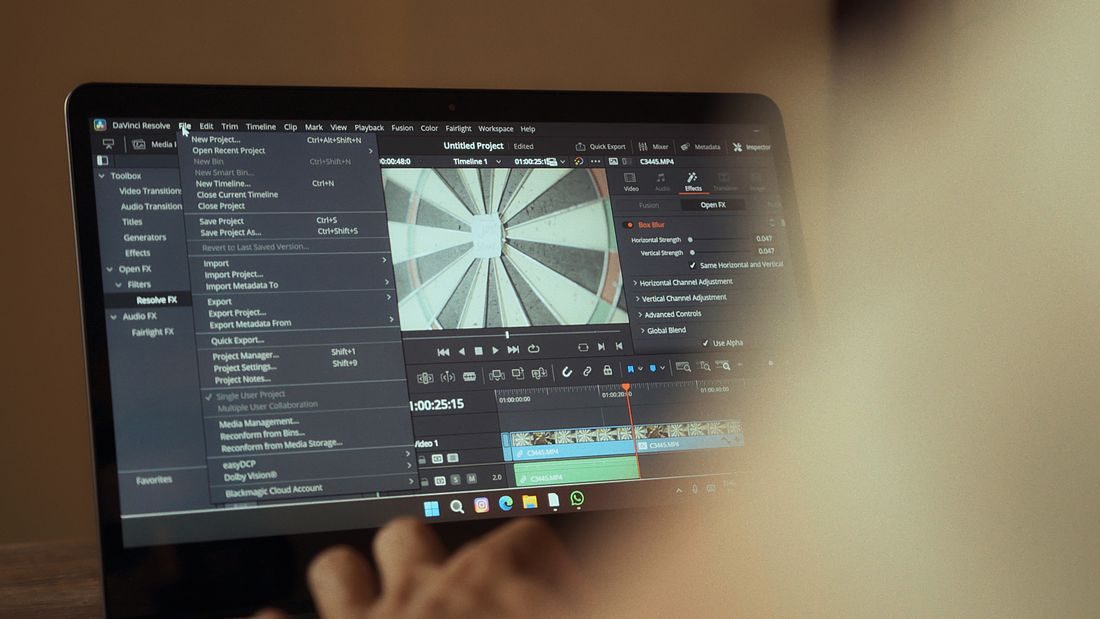
Divide a software task into meaningful actions, prepare a repeatable starting state and leave enough room around each take for a coherent edit.
Keep the relationship between width and height intact, choose cropping or padding deliberately and inspect the exported file rather than trusting only the editing preview.
Review the exported file for picture, sound, text and completeness, then verify the actual handoff so a correct timeline does not become an unusable delivery.
Use a short rehearsal recording to test framing, sound and the presenter’s movement, then turn what you learn into a manageable plan for the live session.
Choose one complete idea, retain the context that makes it accurate and build the short clip around meaning rather than the most dramatic isolated sentence.