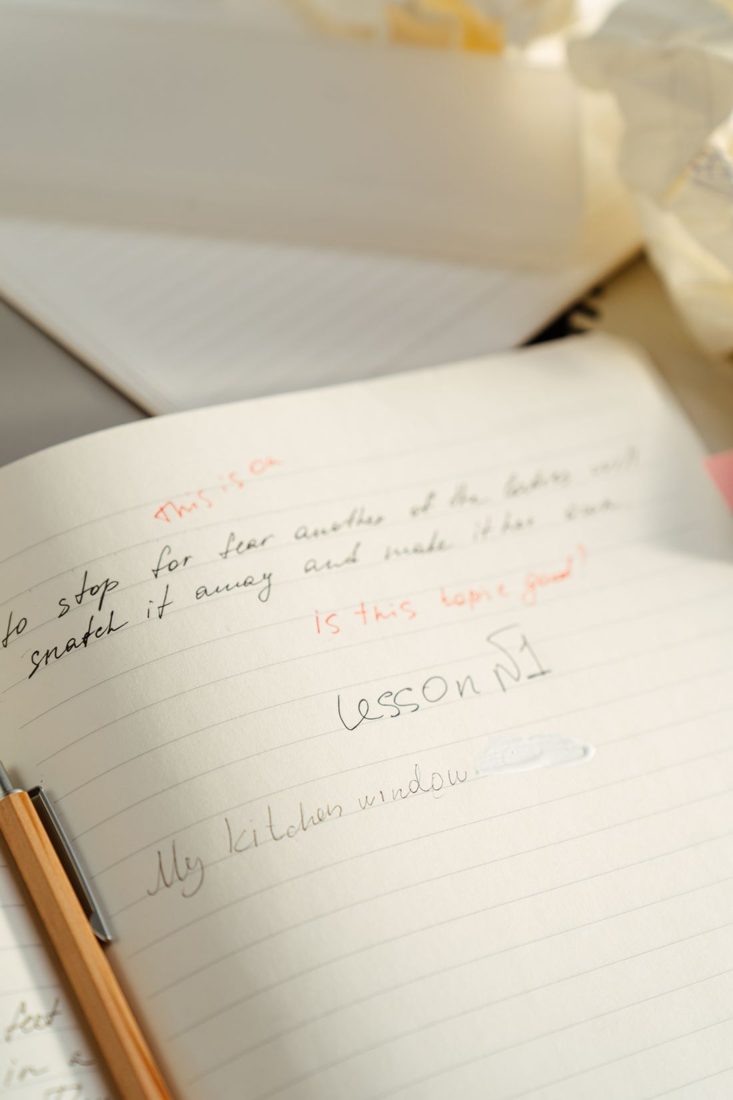
A prepared script can speed up subtitle work, but presenters rarely deliver every sentence exactly as written. Words change, pauses appear, and useful explanations may be added during recording. Subtitles made from the original draft alone can therefore contradict the finished video. Begin with the final edited sound and use the script to help identify names and intended terminology, not as proof of what was said.
Work from the approved edit
Confirm which video version the subtitles belong to before transcribing or correcting text. An earlier cut may contain a different introduction or sequence. Keep the script and any automatic transcript available, but listen through the complete final audio and reconcile each passage with it.
Pay particular attention to words that change meaning: not, before, after, numbers, units, and technical names. Check uncertain spellings against reliable reference material. If the audio itself is unclear, resolve the recording or wording with the appropriate person rather than silently choosing a plausible instruction.
Preserve meaning without rewriting the speaker
Use punctuation and sensible sentence boundaries to make the spoken explanation readable. Do not replace an awkward but meaningful statement with a different claim. If a correction is needed in the video, address it through the editorial process and update the subtitles to match the approved result.
Decide what kind of text track you are preparing. Terms vary by region, but captions intended for people who cannot hear the audio include relevant non-speech sound and speaker identification where needed for understanding. Translation subtitles require an additional language review; a literal word substitution may not preserve the explanation naturally.
Break text around understandable phrases
Use the subtitle editor to divide passages into readable units, considering the destination’s presentation and any captioning specification for the project. Avoid separating words that naturally belong together merely to make lines look symmetrical. Check the text on the actual video, where a demonstration may also demand the viewer’s attention.
Automatic recognition can provide a draft, but it needs review. W3C specifically warns that errors can change the meaning, including through a missing word. Listen to difficult sections again and inspect the full track rather than checking only the first few captions.
Keep the text ready for timing and delivery
Save the corrected text and the timed subtitle file with the video’s version identifier. Confirm the required file format and language label. After timing is complete, play the exported track with the delivered video to check both accuracy and synchronisation. If the edit changes afterwards, treat the subtitle file as needing another review.
Accurate subtitle preparation follows the recording all the way to delivery. Preserve a clear link between video version, corrected text, and timed file so later changes can be traced. The script remains useful reference material, while the final soundtrack determines what the viewer should read at each moment.