A recording can sound fine during a calm setup check and distort when the speaker laughs or emphasises a word. Set levels using a realistic performance, not a whispered test. You need a clear voice with room for louder moments. The meter is useful, but it should be watched alongside listening to the actual recorded sound.
Identify the control that changes the input
Check which microphone or interface the recorder is using and where its input gain is controlled. A headphone-volume knob may change only what you hear. Turning that down does not necessarily prevent an overloaded recording. Read the equipment and software guidance before adjusting several controls at once. Confirm that the intended input is active by making a brief spoken test and playing the saved file.
Rehearse the loudest expected delivery
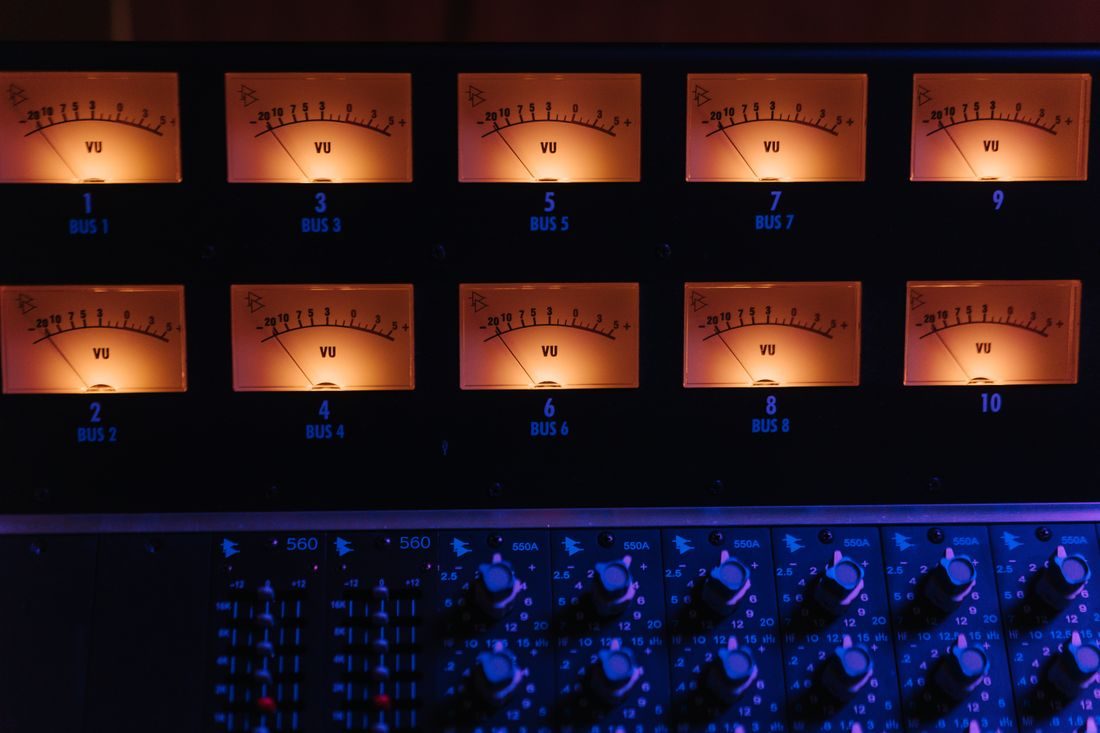
Ask the speaker to read a representative passage at normal delivery, including a louder phrase or laugh if that belongs to the session. Watch the input meter and clipping indications. Adobe’s recording guidance advises input levels that are strong without clipping. Leave room below the system’s limit for natural changes rather than setting the loudest rehearsal word exactly at the boundary.
The appropriate target depends on the recording system and workflow. Avoid borrowing a fixed meter number without understanding what your device is displaying and whether automatic gain processing is active.
Listen for distortion in the recording
Record the test, then listen through suitable headphones. Check loud syllables, not only the silence between sentences. Distortion can occur at a stage before the meter you happen to be watching. If a harsh sound remains despite lowering a downstream level, examine the microphone or interface input and the equipment instructions. Lowering a clipped file afterwards makes the distortion quieter; it does not recreate the missing waveform. Retake the passage when possible.
Recheck after the setup changes
Moving closer to the microphone, changing a performer or adding an accessory can alter the recorded level. Repeat the brief check after a significant change and watch during the session. Keep the microphone position reasonably consistent so the gain setting remains meaningful. Avoid reacting to every quiet word with a gain adjustment; natural speech has variation. Record a clear, undistorted source first, then make considered balance adjustments in editing rather than forcing every syllable to the same capture level.
A good level check includes the voice you expect to record at its louder moments. Confirm the actual input control, leave headroom and inspect a saved test. Monitoring remains useful throughout the session because a successful rehearsal cannot guarantee that every later phrase stays within the same range.