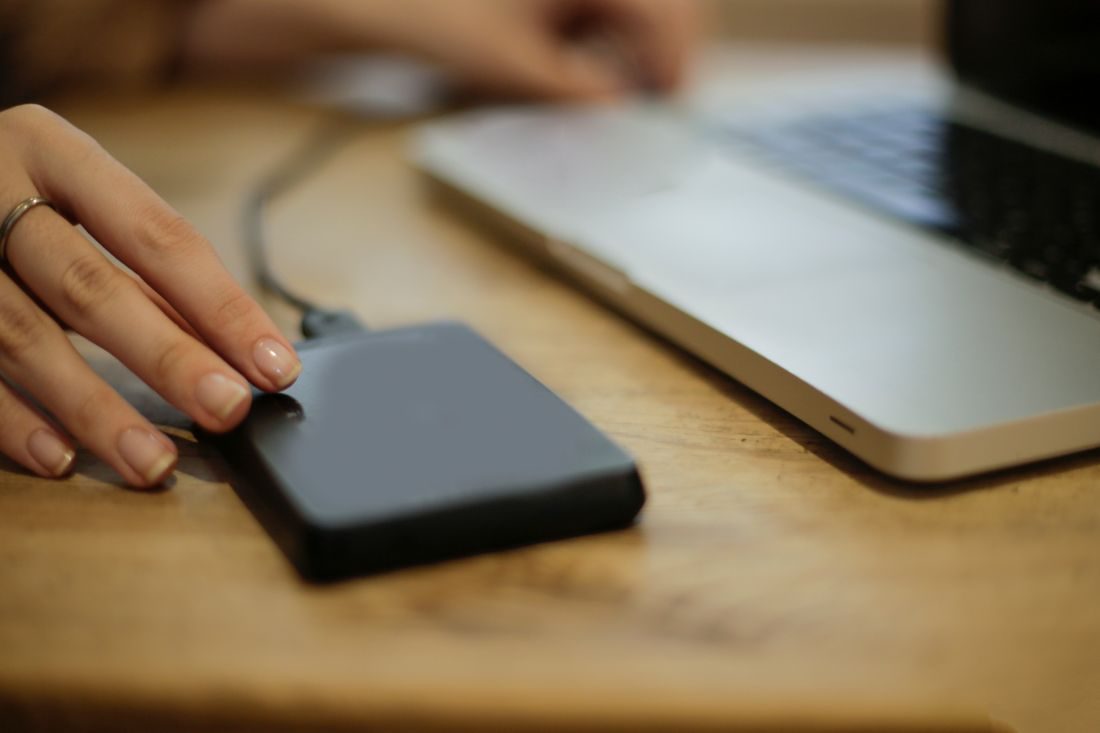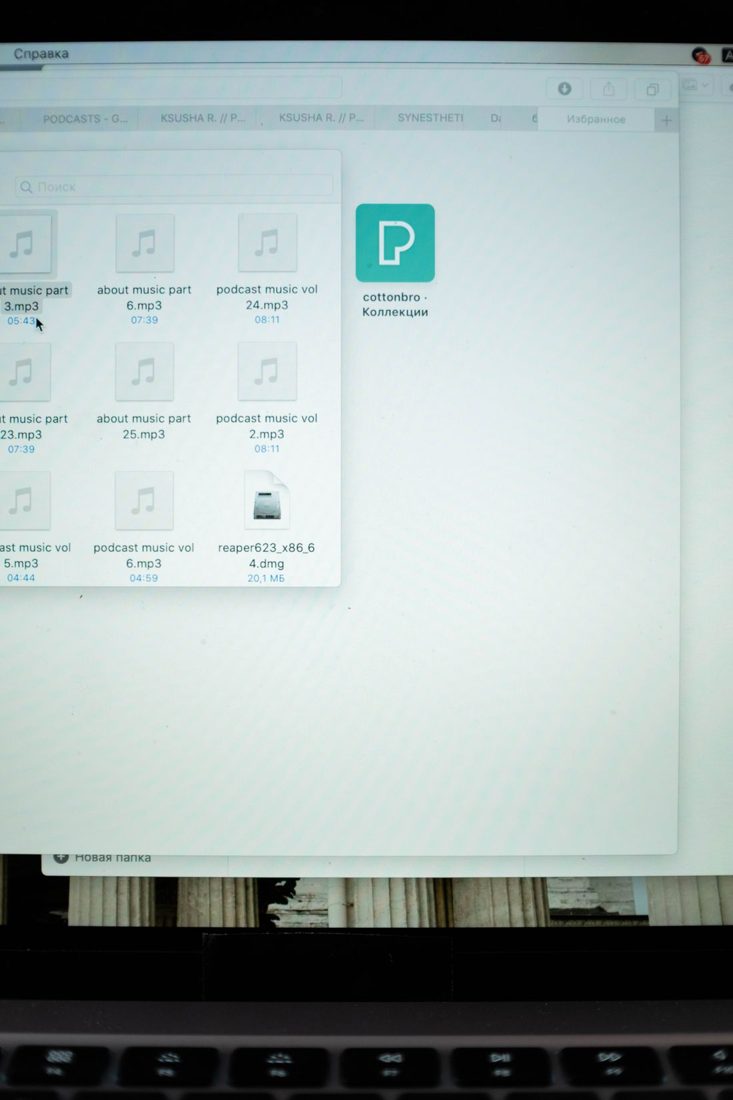
Archiving a creative project means deciding what another editing session would need, rather than copying a folder called final and hoping it contains everything. The archive should preserve the approved result and enough context to understand the working files. Make that decision while the project is still familiar and the source locations are available.
Define what future access should support
Consider whether you may need to revise the edit, retrieve an original photograph or simply supply the approved final file again. These goals require different material. Write down what the archive is intended to preserve so its limits remain clear.
Keep the approved deliverables and the editable project when future changes are plausible. Include original media and important supporting assets according to that goal. If storage limits require a smaller selection, make the choice deliberately and document anything excluded rather than silently assuming it can be recreated.
Gather dependencies before closing the workspace
Use the editing application's supported collection process where available, and check which media it includes. Add graphics, caption files, scripts and other items that may live outside the main source folder. Keep necessary camera folder structures intact.
Record the application version and any special font, plugin or linked resource used by the project. Preserve permitted installers or documentation only where appropriate. An archive cannot guarantee future software compatibility, but a clear dependency note gives a later editor a practical starting point.
Write a short archive note
Identify the project, its purpose, the approved version and the location of final deliverables. Explain the folder structure and the project file to open. Mention unresolved issues and any material that remains outside the archive.
Add a date and a list of the checks you performed. Keep confidential information and credentials out of broadly shared notes. Where permissions or asset agreements matter, record where the relevant documents are stored so later reuse can be checked rather than assumed.
Test and maintain the stored copy
Open the archived project from its archive location and inspect representative media, titles and audio. Check that the final exports play and that links do not depend on a temporary folder on the working computer. A second suitable computer can provide a stronger test when available.
Keep a separate copy of important archives and periodically confirm that the storage is readable. Record moves to new drives or locations. When removing temporary previews or caches, make sure they can actually be regenerated and that you have not confused them with original media or unique working files.
A useful archive combines files with an explanation of their relationships. Preserve the material needed for the intended future use, test the stored copy and keep its location recorded. State known limitations now so reopening the project later begins with evidence instead of guesswork.