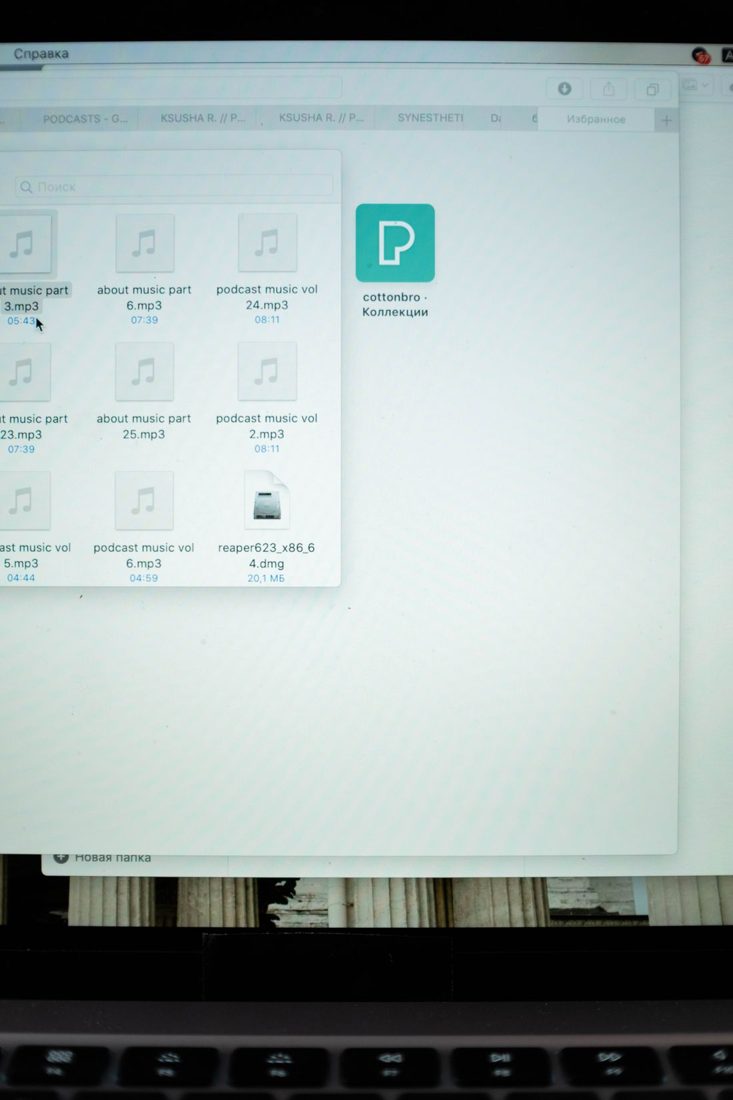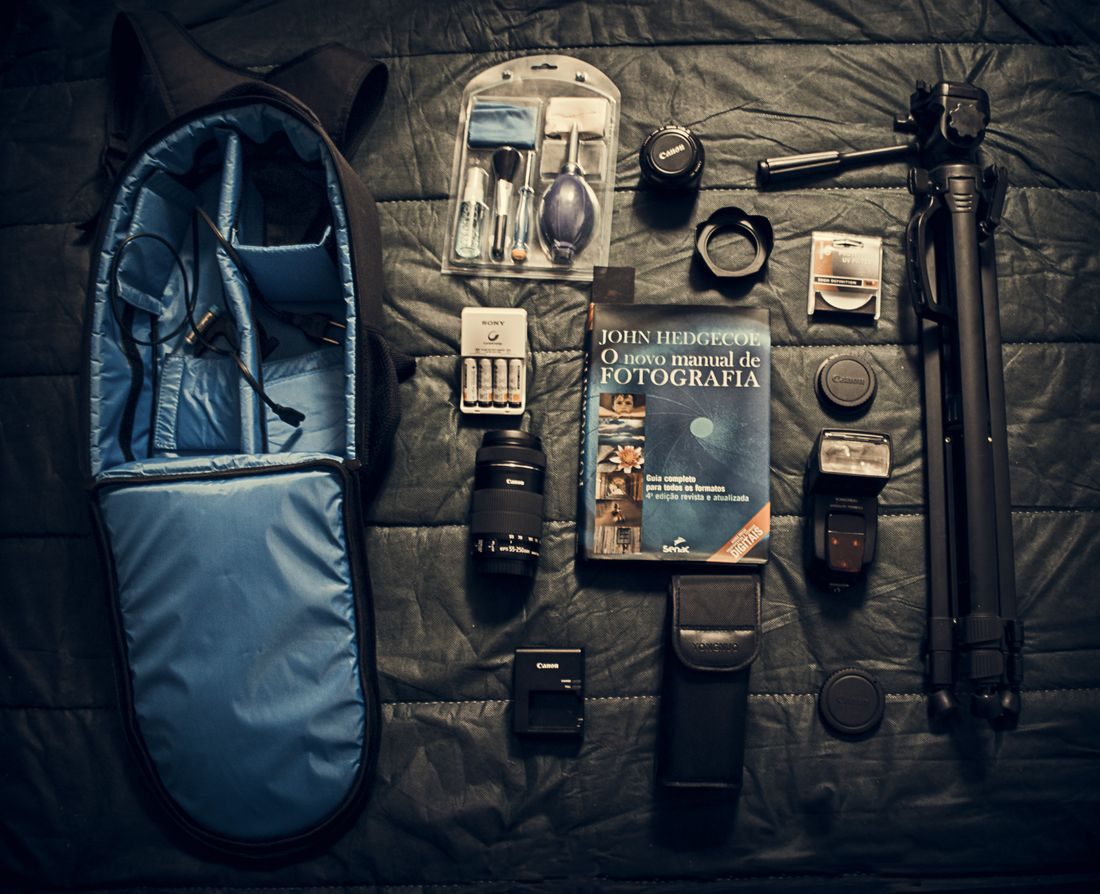
A small project can accumulate enough photos, clips and recordings to become confusing even before the first edit. A media inventory gives you an overview without forcing every detail into a filename. It is most useful when it answers practical questions: what is available, where is the original, and is anything missing or unsuitable for the intended use?
Choose the questions the inventory must answer
Start with a simple table rather than a large database. Useful fields include a short identifier, filename or folder, media type, source session and a brief description. Add a location field if the material lives across several drives.
Include status only when it helps the work, such as unreviewed, selected or needs attention. Avoid creating categories you will not maintain. An inventory with a few dependable fields is more useful than an elaborate sheet whose information becomes outdated after the first editing session.
Describe contents in searchable language
Write descriptions that distinguish one item from another. A phrase such as close view of battery label is easier to search than good shot. For a long interview, a brief topic note can help locate material without pretending to replace a full transcript.
Group related files where individual rows would add little value. A folder of twenty similar reference photographs may need one entry, while a unique voice recording deserves its own. Keep references precise enough that another person can find the actual file from the description.
Record gaps and usage constraints
Note missing audio, incomplete transfers or files that need a technical check. Record where replacement material is expected to come from and whether it has arrived. Keep the original observation distinct from a guess about why something failed.
For supplied assets, retain the relevant usage information and source reference. Do not assume a file is available for publication merely because it is in the project folder. Store private permission documents appropriately and use the inventory to indicate their location without exposing unnecessary personal information.
Update at natural checkpoints
Review the inventory after a transfer, a selection pass or a delivery. Add new material and mark superseded items so the sheet continues to reflect the working collection. Keep a copy with the project rather than in an unrelated personal notes folder.
Use the inventory to prepare a handover or archive note. Check a few references by opening the files from their recorded locations. If the spreadsheet lists assets that have moved, update it before the project is closed. The inventory should describe the stored collection, not merely what you remember recording.
Keep the inventory small, searchable and connected to real file locations. It should reveal what you have, what still needs attention and which assets require a usage check. Maintaining it at a few natural checkpoints is usually easier than reconstructing the project later.