A handheld camera does not have to move simply because it is being held. Before attempting a walking shot, try making a steady view of a subject that is already moving. Your stance, grip and shot duration can make a noticeable difference. A gimbal is one possible tool, but it is not a substitute for deciding which movement the scene needs.
Start with a supported stance
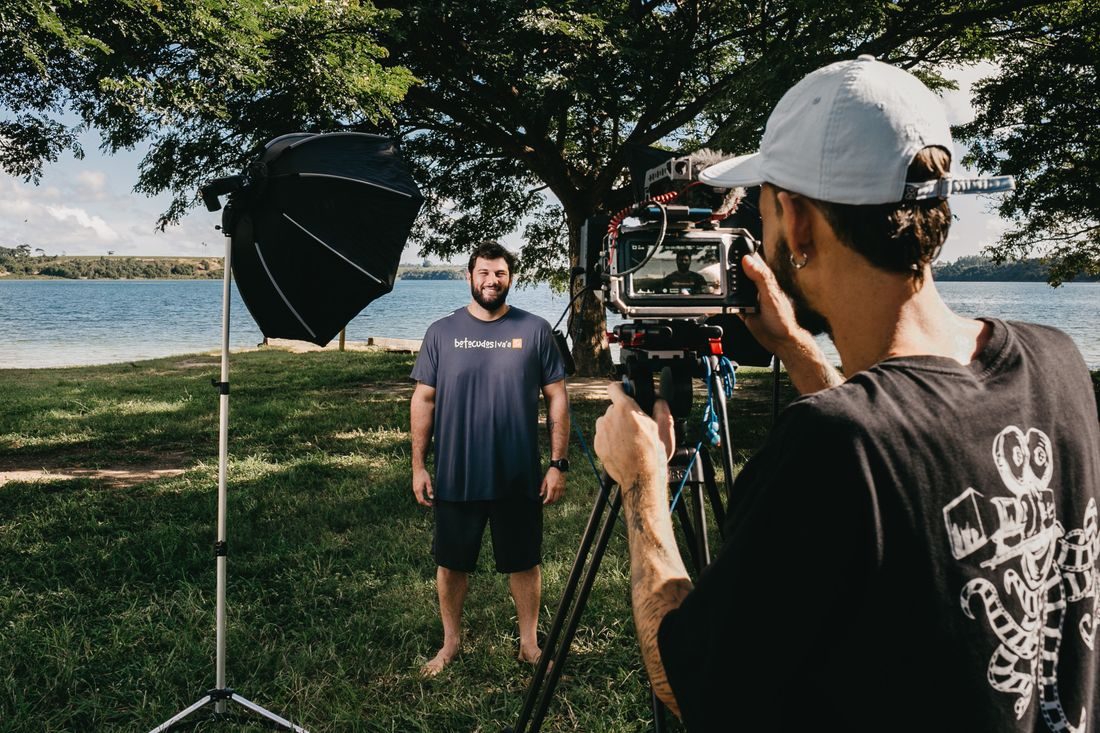
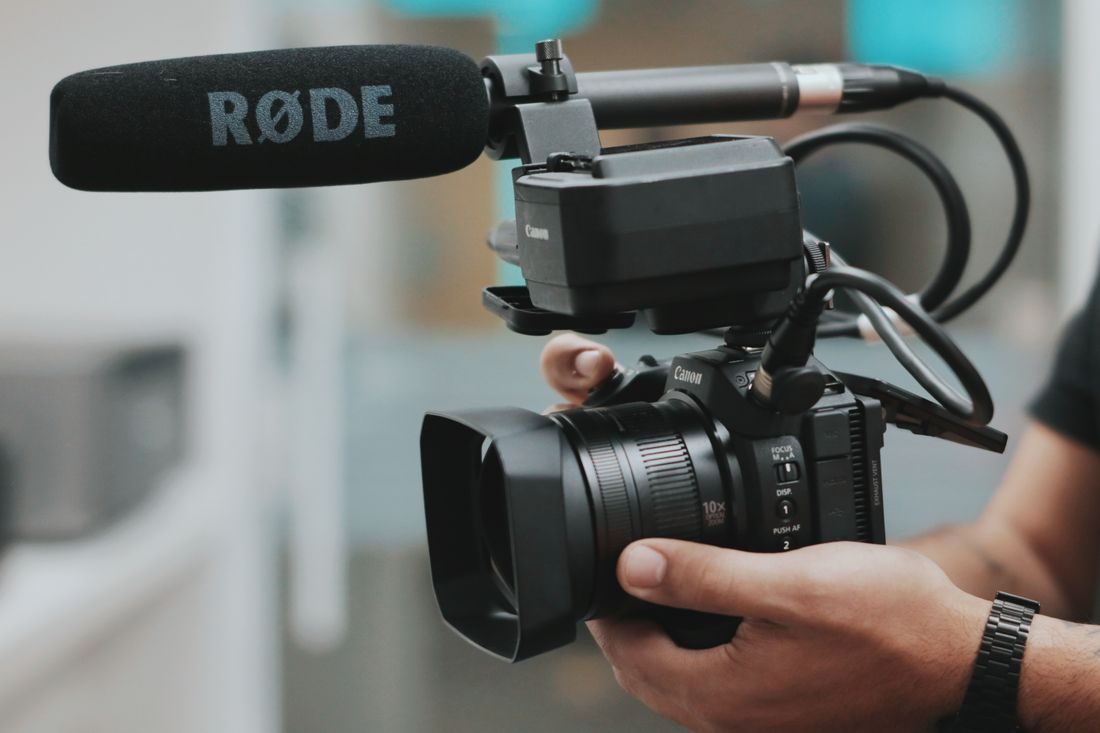
Stand with your feet in a comfortable, balanced position and bring your elbows nearer your body. Hold the phone or camera securely without squeezing so hard that your arms begin to shake. Support a heavier camera with both hands in the manner its shape allows.
A wall or sturdy surface can provide a useful point of support if it is safe and does not transmit vibration. Avoid leaning equipment on an unstable rail or balancing it on a narrow edge. Take a short test and see whether a simpler stance already gives the shot enough stability.
Let the action happen inside the frame
Choose an angle where the important action remains visible without constant correction. A person pouring water, opening a bag or crossing a doorway can give a still camera plenty to show. Start recording before the action begins and hold the ending after it finishes.
Make several shorter, intentional shots instead of keeping the camera running while you search for an angle. Each repositioning can become a clean cut in the edit rather than a distracting wobble within a single continuous take.
Move only as far as the shot needs
If a pan helps explain the scene, choose its beginning and ending first. Turn smoothly from a stable position and leave a little time at both ends. Avoid repeatedly changing direction to chase small details.
For a walking view, clear the route and keep your attention on where you are going. Move slowly enough to remain balanced and record a rehearsal. Do not walk backwards into an area you cannot see. When a move is awkward or unsafe, use a stationary angle or ask another person to handle the action instead.
Judge stabilisation from the actual recording
If your device offers stabilisation, compare a short recording with the setting you intend to use. Some modes crop the frame or change how the image responds to movement. Leave room around the subject and inspect edges for unwanted stretching or sudden shifts.
Software stabilisation cannot solve every unstable shot without compromises. If the frame needs to remain precisely aligned for a demonstration, a tripod or secure mount may be more effective than trying to repair the recording afterwards.
Select the take in which the movement serves the subject, not simply the take with the least motion. A slight handheld quality can be appropriate, while repeated corrections are usually distracting. Good planning gives each shot a clear job and makes steady recording less dependent on holding an uncomfortable pose.