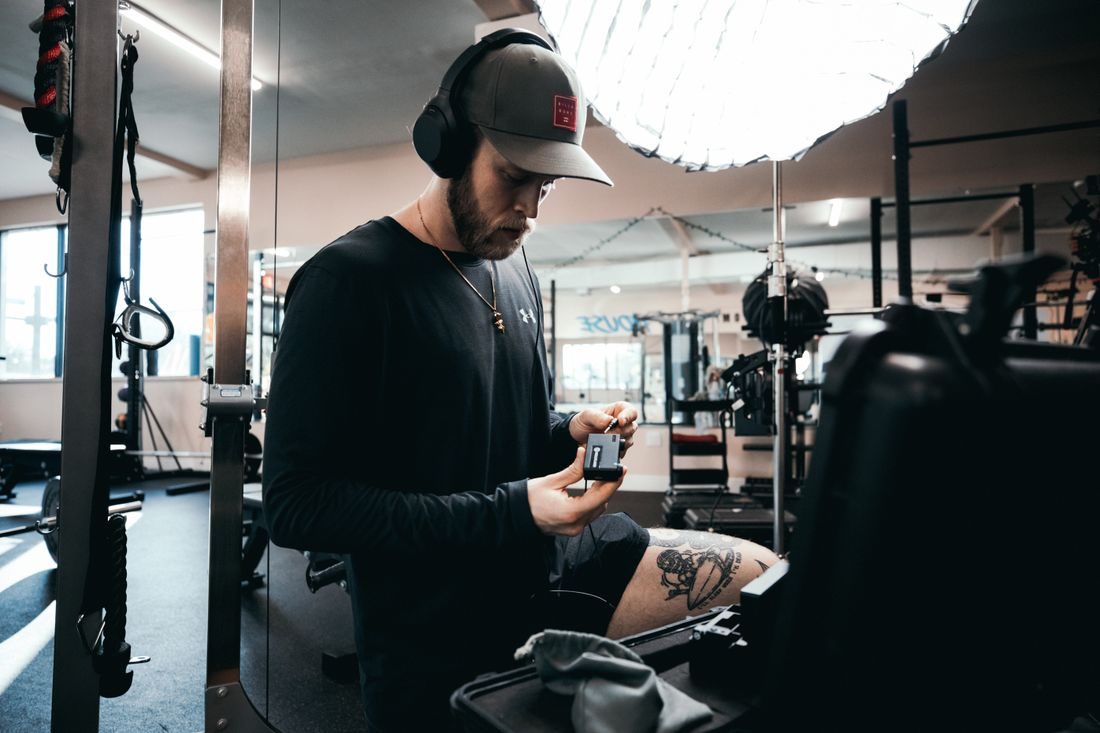
A home recording setup can change between sessions as lights move, cables are reconnected, and a camera gains another accessory. A quick inspection should cover the arrangement you will use today, not the one you remember from last week. Start with the room and work towards each device. The aim is to find visible problems before the presenter and equipment are occupied with a take.
Walk through the working area
Check the routes people will use, including the space behind the camera. Keep doors and ordinary access clear. Look for cables beneath chair wheels, loose stands beside feet, or a backdrop that can be knocked over. Move the setup where needed rather than expecting everyone to remember an awkward obstacle.
Confirm that supports rest on suitable surfaces and are used in their intended configuration. Include the complete attached load when checking compatibility and limits. A stand that previously held a phone may not be suitable after adding a light or teleprompter. Inspect the locks and attachments according to the manufacturer’s procedure.
Inspect before connecting power
Look at plugs, leads, adapters, and device housings for visible damage. Set questionable equipment aside and follow the manufacturer’s service guidance rather than improvising a repair during setup. Use the correct power supplies and connections, respecting the ratings and instructions of the equipment and power distribution involved.
Keep liquids away from connections and preserve the ventilation space each device requires. Do not hide power leads under a rug to improve the image. If the electrical arrangement is unclear or unsuitable, get appropriate qualified help before continuing with that part of the setup.
Check the camera and recording chain
Confirm that battery and storage are ready, lenses and accessories are fitted as intended, and the microphone cable does not pull on its connector. Record a short sample with the actual camera, audio device, and settings. Play it back to confirm both image and sound rather than relying only on illuminated indicators.
Rehearse the movement
Have the presenter sit, stand, gesture, and leave the position as planned. Check that nothing catches on clothing or pulls a support. Operate necessary controls from the working position, keeping hot fixtures and other equipment within their prescribed use. If something changes during the session, repeat the relevant checks before restarting. A checklist is useful only when it reflects the equipment actually present.
Keep a brief setup record and note any item removed from service so it is not accidentally returned to the next session. These checks complement the manufacturers’ instructions rather than replacing them. Once the arrangement is ready, you can concentrate on the recording with fewer unresolved practical problems around it.