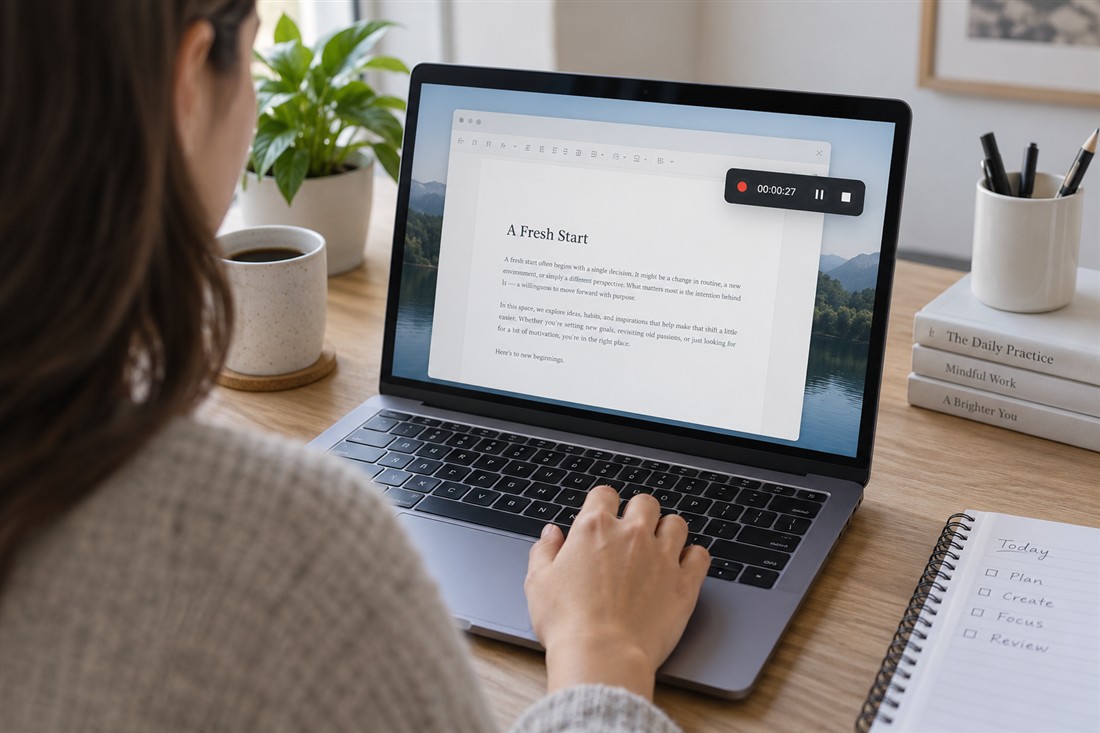
A full desktop recording can become a field of tiny labels on a phone. Zooming the video afterwards may enlarge those labels but also lose clarity or crop away the next action. Design the demonstration for its likely viewing size before recording. The goal is to show the necessary controls and result, not prove that the entire desktop existed.
Make the workspace fit the explanation
Close unrelated panels and arrange the application so the relevant task occupies a useful portion of the screen. Use application zoom or interface scaling where supported, checking that the controls you need remain visible. Record a representative action and inspect it on a phone. If the label cannot be read comfortably, change the workspace before capturing the whole tutorial.
Keep personal notifications, private documents and account details out of view. Use demonstration material when possible and verify the exact captured area. A cropped recording is helpful only when the next required menu does not open outside it.
Guide attention without constant motion
Move the pointer deliberately and pause briefly at the relevant control before using it. Avoid rapid circling or repeated shaking, which makes a small frame harder to follow. A restrained highlight or a short enlargement in editing can clarify one action, but it should not become a substitute for readable capture.
When showing a long document or spreadsheet, focus on a useful section rather than the whole page. Explain where the section belongs, then let the viewer inspect it. If you need to move to another area, make that navigation clear. Avoid fast scrolling through information the audience is expected to read, especially while speaking about a different part of the interface.
Test the actual export
Export a short sample using the delivery format you intend to use. Open that file on a small phone and check labels, pointer movement, captions and the result of the action. A sharp editor preview does not establish that the shared version remains readable after compression or resizing.
If the intended layout includes captions, ensure they do not cover the control being demonstrated. Break complicated steps into separate views with enough time to understand each. Keep the original capture and editable project so you can make a narrower or differently framed version later. Do not stretch the interface disproportionately merely to fill a new frame shape.
Readable screen video starts with a carefully arranged workspace and a short test, not a last-minute enlargement. Show the necessary interface at a useful scale, move deliberately and inspect the exported file on the device viewers are likely to use. Simplify the lesson when the frame cannot carry every detail.