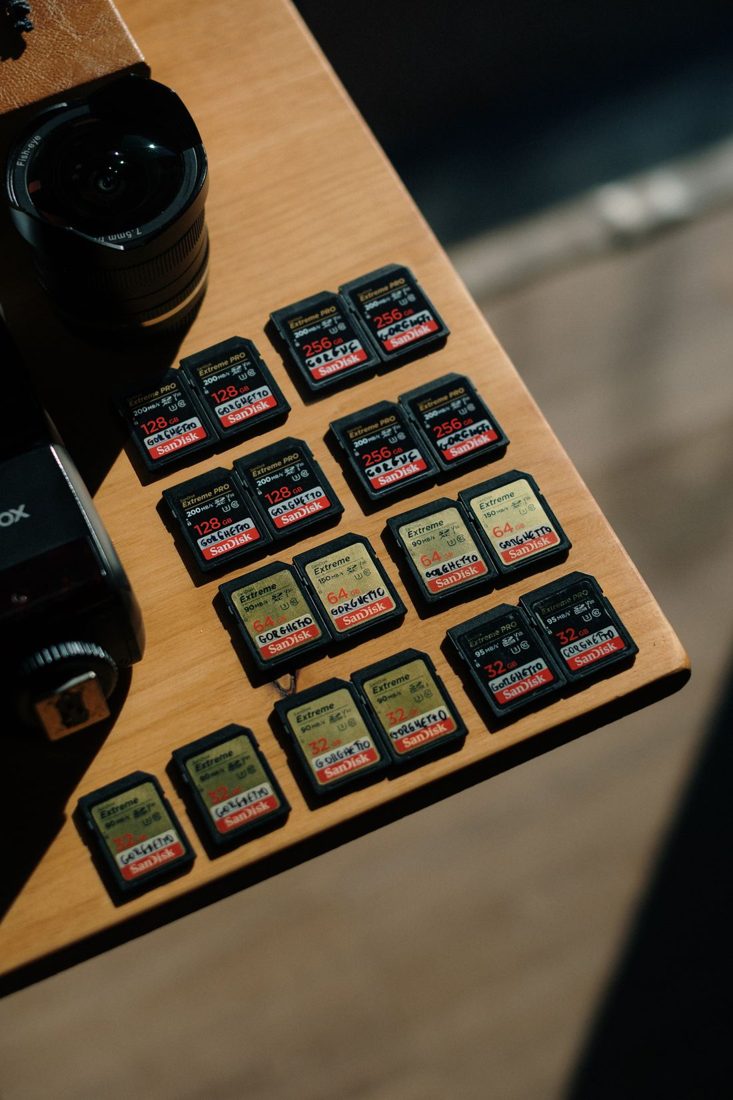
A memory card can look ready while holding the only copy of yesterday’s recording. Another may be empty but unsuitable for the camera’s intended recording mode. A useful card system therefore tracks both identity and status. Begin with the camera’s compatibility requirements and a consistent case layout, then make readiness something you verify rather than infer from an apparently empty folder.
Identify compatible cards clearly
Check the camera’s supported card types and the requirements for the mode you plan to use. Capacity and the largest printed speed figure do not answer every compatibility question. Follow the camera manufacturer’s documentation and any approved-card guidance relevant to that model.
Give each card a short identifier and record its capacity and intended devices. Keep labels away from contacts, locking tabs, and surfaces where extra thickness could affect insertion. A labelled case slot can be a better choice when the card itself has little suitable space.
Use states that describe the media
Separate cards ready for recording from cards holding unverified captures. Add a copied-but-not-cleared state if that fits your workflow. A card should not move straight from camera to ready simply because a copy operation appeared to finish. Confirm the destination files and the required backup before deciding the originals can be removed.
Keep the meaning of case positions written down if another person will help. Distinct compartments or labelled sleeves are clearer than an unexplained habit of turning cards backwards. After replacing a card, put the removed one in its captured-media position immediately.
Prepare the card in the right device
Follow the camera’s procedure for inserting, removing, and formatting storage. Formatting removes access to existing recordings, so identify the physical card and verify its contents first. Manufacturers may specify in-camera formatting, including when a card has been used elsewhere; do not transfer one model’s menu instructions to another.
Before a session, record and play back a short sample in the intended mode. Confirm available capacity and any warning indicators. A computer reading the card successfully does not demonstrate that the full camera recording workflow has been checked.
Retire uncertainty from the ready supply
Keep a card with unexplained errors out of the ready compartment while you investigate through the manufacturer’s guidance. Note which card and device were involved. Protect cards from damage and contamination in a suitable case, then count them when packing. The ready supply should contain equipment whose state you can explain confidently.
Update card status at the point where it changes, not at the end of a long day from memory. Clear identities and deliberate clearing decisions protect the recording workflow from ordinary mix-ups. Keep originals until the transfer and backup checks required for the project have actually been completed.