Captions can make a vertical video easier to follow, but they become a problem when they sit over a face, a hand movement or the part of a product being explained. Leaving an empty strip is not enough by itself. Plan the words and the action together, then check the result in the intended viewing environment.
Identify the part of the frame that must remain clear
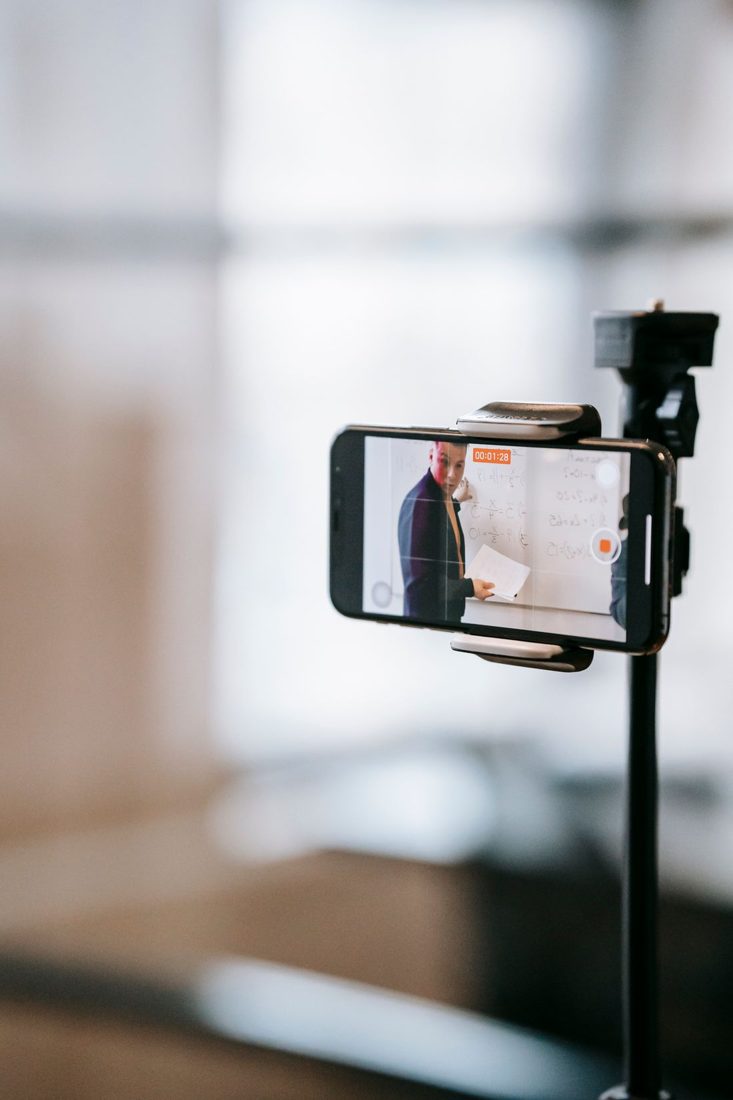
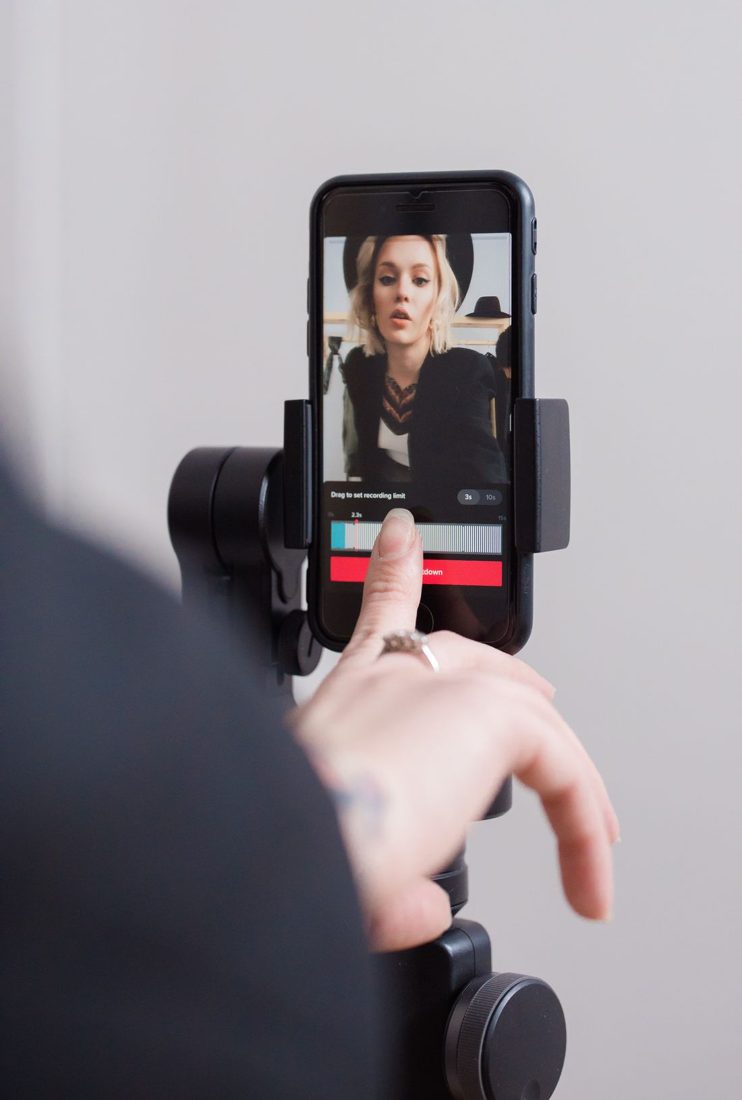
List the essential visual information: a presenter’s expression, a tool touching a surface or readable text on an object. Arrange that action where captions will not compete with it. A talking-head clip may permit text below the face, while a tabletop demonstration may need another position. Avoid a rule that puts every caption at the same fixed height regardless of what is happening behind it. The visual explanation should remain understandable when the text appears.
Test a realistic caption before recording
Place a sample line in your intended editing layout, using a plausible long sentence rather than a short placeholder. Check its size on a phone. Leave room for more than one line when the speech requires it, and split long speech into manageable segments without changing its meaning.
If you have a script, read the most detailed phrase while rehearsing the related gesture. That reveals whether the text needs too much time or space for the current composition. Shortening the wording can be better than shrinking the caption until it becomes unreadable.
Account for the destination’s interface
Use the actual platform preview or current publishing guidance to see where controls, names and descriptions appear. Those areas vary, so do not rely on a universal safe-area diagram from another app. Keep essential text and actions away from the specific overlays you can verify. Also check how a feed preview crops the frame. A caption visible in the full-screen file may be partly hidden in another presentation of the same video.
Inspect captions throughout the clip
Watch the exported video from beginning to end on a small screen. A good opening layout can fail when the presenter leans down or raises an object into the caption area. Check line breaks, contrast and timing as well as position. Keep the spoken content accurate and use a background treatment that remains readable across changing footage. Preserve a clean version or editable project so you can adjust captions for another destination without rebuilding the entire video.
Caption space is part of the composition. Rehearse with realistic text, preserve the important action and test the finished layout where viewers will see it. When words and images share the frame deliberately, captions support the explanation instead of forcing the audience to choose which information to follow.