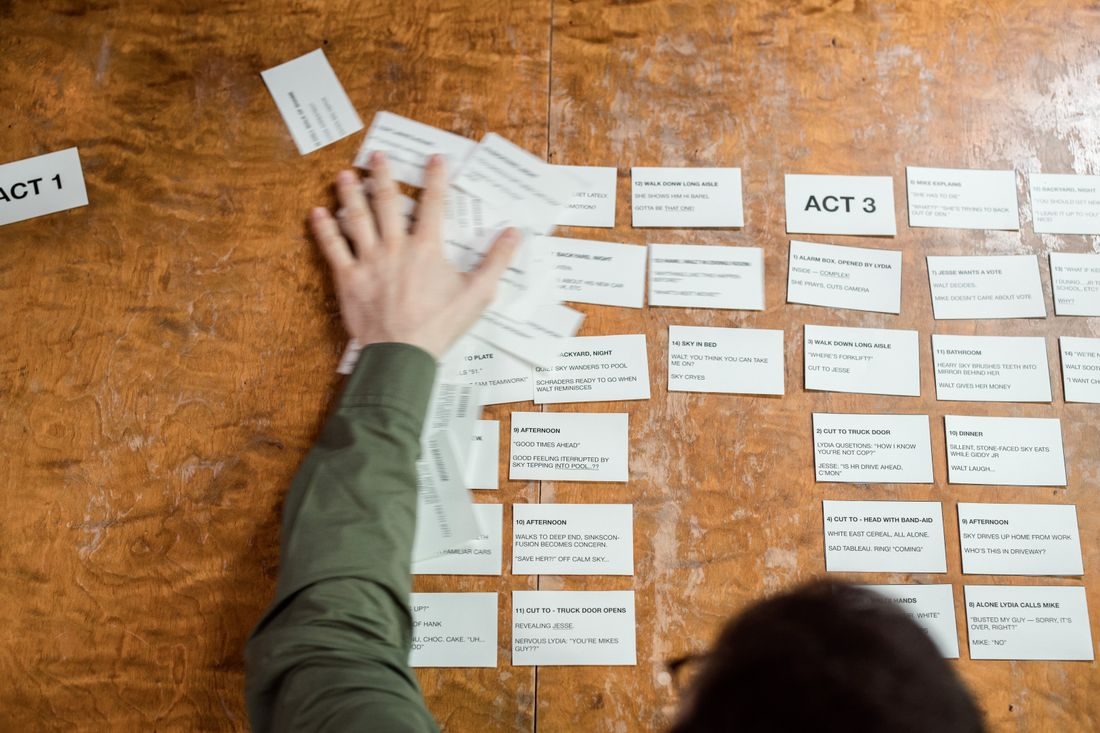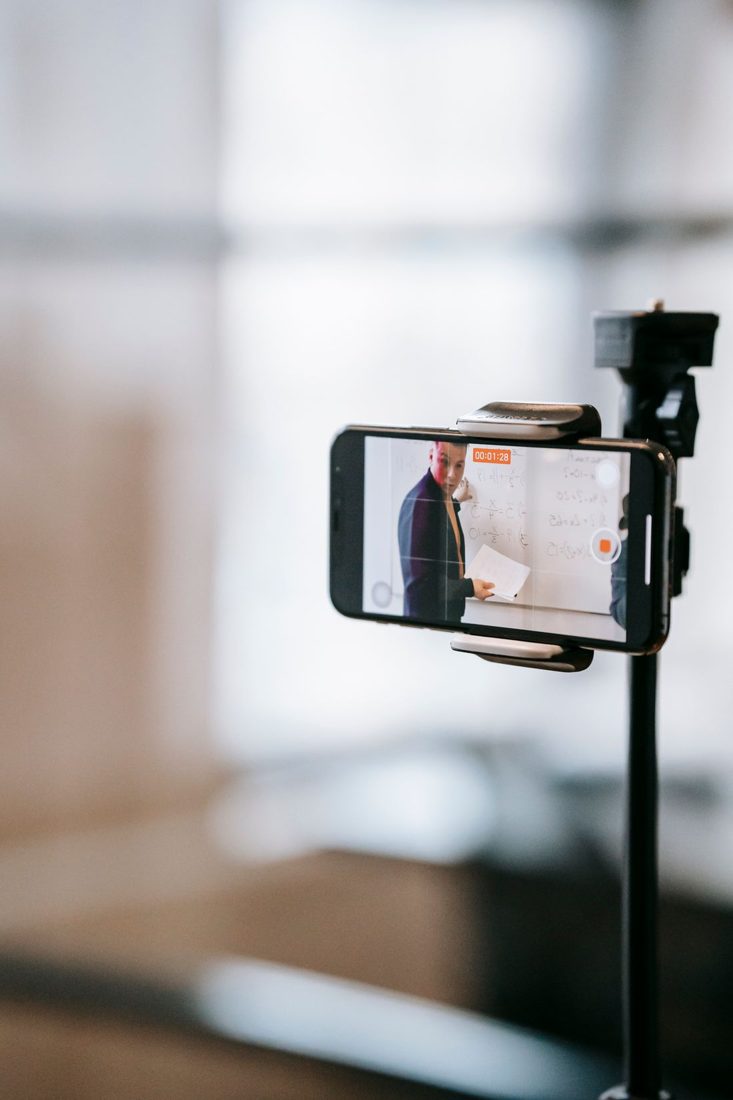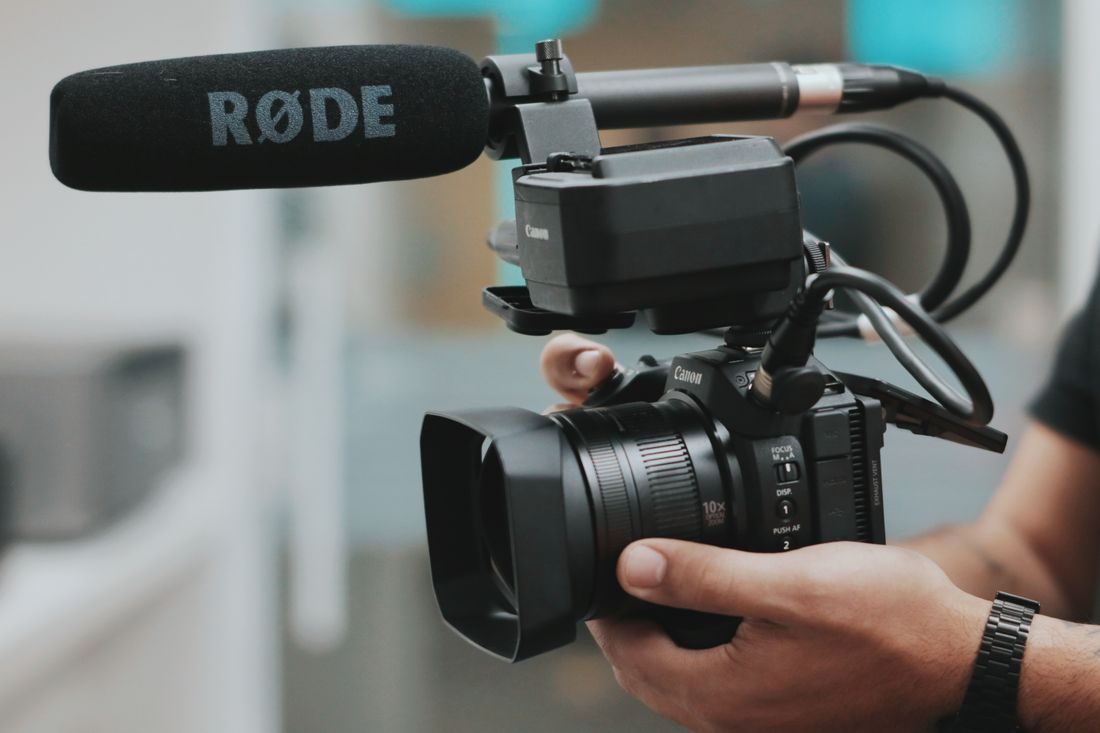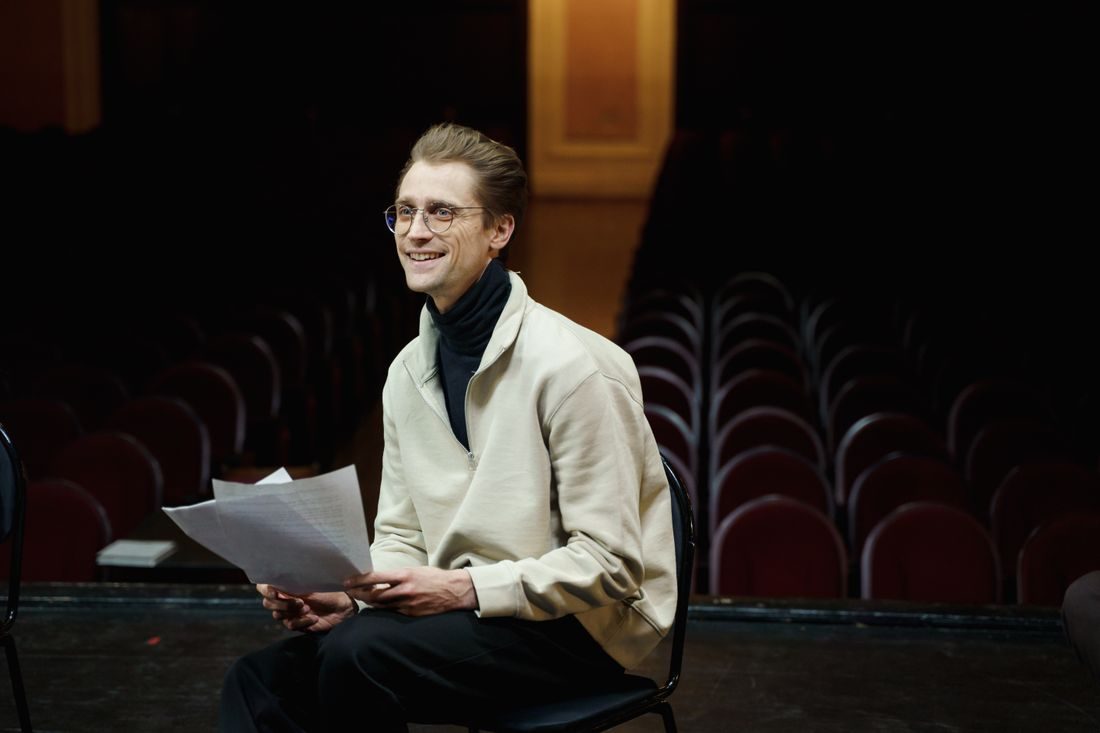
A live presentation gives you fewer opportunities to stop and correct a problem. A rehearsal recording helps reveal the issues that are hard to judge while setting up: a speaker walking out of frame, a quiet phrase or unreadable slides. The rehearsal does not need to reproduce the entire event. It needs to include the moments most likely to challenge the setup.
Rehearse the difficult parts
Ask the presenter to use the actual speaking position, visual aids and typical movement. Include the loudest expected passage, a quieter explanation and a moment of turning toward a screen. Test any hand-held object or demonstration. A presenter standing still for ten seconds does not represent a session in which they will walk, point and interact. Keep the rehearsal short but representative, and explain that its purpose is checking the recording rather than evaluating their performance.
Play the recording back
Listen through suitable headphones and watch the actual captured file. Check whether the face stays visible, the microphone remains useful when the presenter turns and slides can be read at the intended viewing size. Review the frame edges for stands, audience movement or an open door.
Ask the presenter to look at any movement problem with you. A small change to their position may help, but do not redesign the talk solely around a badly placed camera if a sensible camera adjustment would solve it.
Turn findings into a simple operating plan
Write down the agreed standing area, framing, microphone arrangement and points where the camera may need attention. Decide who will monitor recording and what happens if a device stops. Confirm available storage and power according to the equipment instructions. Keep cables and support positions appropriate for the venue and movement. The plan should be short enough to use during the event, with clear responsibilities instead of a long list nobody can realistically follow.
Recheck after the room changes
Audience seating, curtains, lighting and presentation screens may change after rehearsal. Make a final brief check in the live arrangement. Record enough before the opening and after the ending so the edit does not lose a greeting or final sentence. Keep monitoring during the presentation where possible, especially after equipment is touched. A successful rehearsal is evidence that a setup worked at that moment, not a guarantee that every later change is harmless.
Use the rehearsal to find specific weaknesses and resolve them before the live session. Capture representative movement and speech, review the file and keep a concise operating plan. Once the event begins, simple monitoring and clear responsibilities matter more than trying to recreate an elaborate rehearsal perfectly.