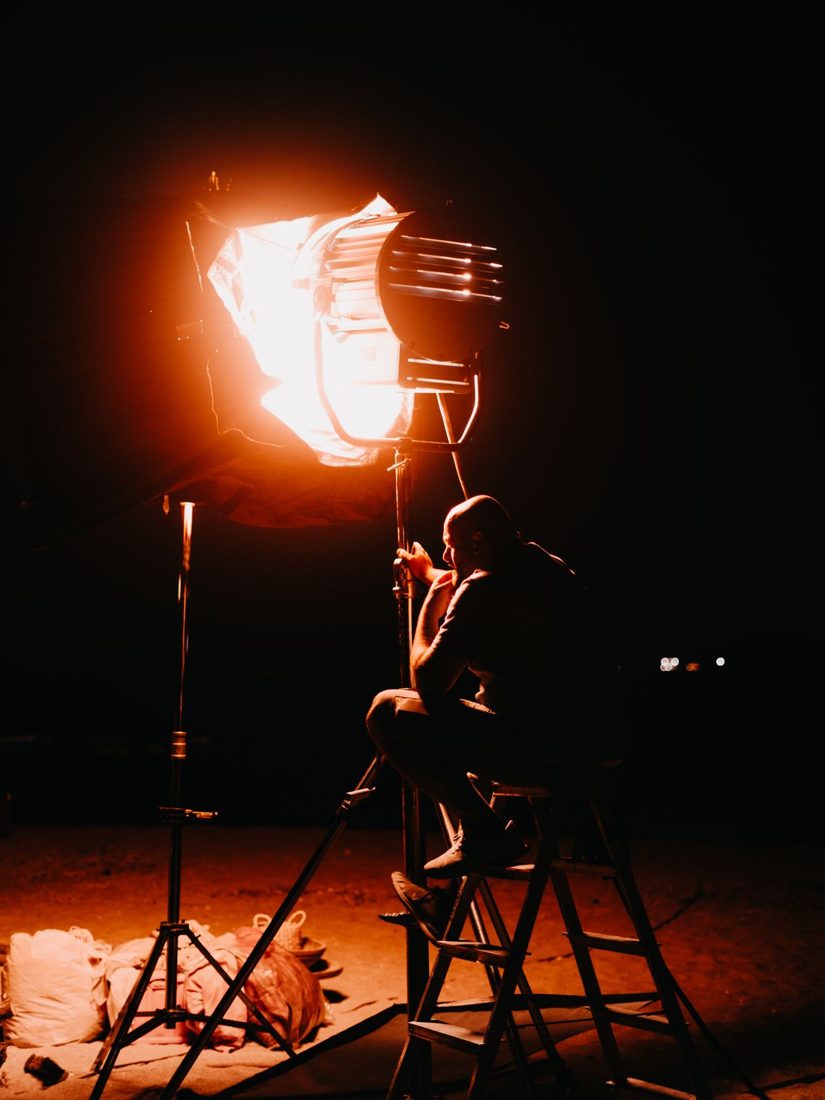
A dark background can give an explanation a calm, focused appearance, but a dark shirt or hair may disappear into it. Raising the camera exposure may brighten the face too much before the outline becomes clear. Start by looking at where the presenter blends into the scene. Often a change in position, clothing, or light direction is enough to make the shape readable.
Find the edge that disappears
Record a short clip with normal movement and examine the shoulders, hair, and arms. The separation problem may affect only one part of the frame. Check the image at the size viewers will see, because a subtle edge visible on a large monitor may be hard to notice on a phone.
Try a shirt with a tone that differs from the background while still fitting the subject. You do not need a dramatic colour change. Move distracting bright objects away from the outline, and avoid treating every dark area as a defect; the presenter needs to be clear, not surrounded by a glowing border.
Give the background some distance
Where space permits, move the presenter away from the wall while preserving a comfortable camera position. This gives you more freedom to light the person and background separately. Check the framing again rather than simply stepping backwards into a doorway or furniture.
Reposition the main light and compare how much reaches the background. A slight change can keep the face visible while leaving the wall subdued. Protect the intended facial exposure and look for unwanted reflections from glasses, shiny clothing, or nearby objects.
Add a restrained edge only when needed
If an outline still disappears, a suitably placed additional light can illuminate the relevant shoulder or hair from another direction. Begin with low output and keep the fixture outside the frame and the presenter’s direct sightline. Check for lens flare and for an edge that becomes much brighter than the face.
Use secure supports and accessories intended for the light. Rehearse head turns and gestures, since an edge that looks neat in a still pose may spill across the face during speech. A small patch of background light can also create contrast behind the presenter without requiring a bright rim. Compare these options and choose the simplest arrangement that survives ordinary movement.
Keep a reference frame of the chosen setup and review the recorded clip rather than relying on a single still. Separation should hold through the presenter’s natural motion. When it does, leave the dark background to do its job instead of adding more brightness merely because another light is available.