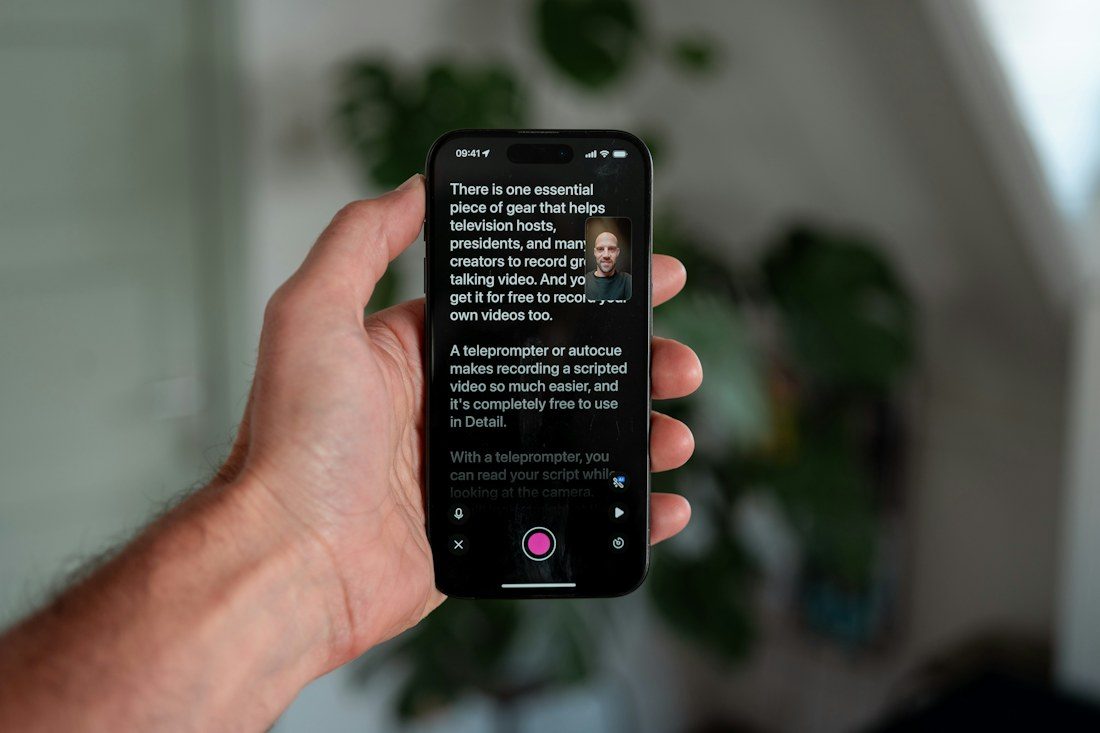
A teleprompter can place words close to the camera’s viewing direction, but the presenter can still look visibly occupied with reading. Small text, wide lines, and an unforgiving scroll speed make that more likely. Begin with the physical alignment and a short passage. The goal is a script the presenter can understand and deliver naturally, not simply a display that fits every word at once.
Align the equipment before editing the script
Follow the teleprompter’s mounting instructions and confirm compatibility with the camera or phone. Check the lens position, any hood, and the image for unwanted edges or reflections. Support the complete load as specified rather than assuming the camera’s usual stand will accommodate every added component.
Place the presenter at the working distance you intend to use and record a short sample. A teleprompter uses a display arrangement that lets the speaker read near the lens direction, but alignment still matters. Judge apparent eye contact in the recording rather than only from where the operator stands.
Make the text easy to follow
Increase text size until the presenter can read comfortably from that position. Use a restrained line width so the eyes do not travel conspicuously from side to side. Leave clear paragraph breaks and distinguish speaking notes from words that should be read aloud. Remove formatting that creates distracting visual clutter.
Rewrite sentences that sound stiff when spoken. A script written for a page may need shorter clauses, clearer transitions, and familiar wording. Keep figures or unfamiliar names easy to recognise. Do not shrink the entire script merely to avoid scrolling; show a manageable amount of text at a time.
Let the delivery set the pace
Rehearse one paragraph and adjust scrolling to the speaker’s natural rhythm. Allow time for emphasis, breaths, and gestures. If an operator controls the text, agree a simple signal for slowing down or stopping. If the system follows speech automatically, test it with pauses and any unusual names before relying on it.
Watch a passage without the script
Review the recording while looking at the presenter rather than reading along. Notice rushed endings, fixed expression, or eyes scanning broad lines. Try a more concise script or a little less text on screen if reading remains conspicuous. Preserve genuine pauses and changes of expression; uninterrupted staring is not the same as a natural explanation. Keep a plain script copy available in case the display or scrolling arrangement needs a reset.
Save the readable layout and the presenter’s working distance alongside the script. Recheck them when the camera framing or person changes. A successful teleprompter session leaves attention on the explanation, with the text available as support instead of forcing the presenter to keep up with an inflexible screen.